Every public document accessible before your deadline
DocoMatic finds the PDFs and forms on your public website, remediates them for WCAG 2.1 AA(opens in new tab), and checks every file before you get it back.
From Level 2 up, that check is veraPDF(opens in new tab) validation against PDF/UA(opens in new tab), so you hand over proof, not promises.
- WCAG 2.1 AA
- PDF/UA (ISO 14289)
- veraPDF validation from Level 2
100 free trial credits for 14 days: up to 10 documents of up to 25 pages each, at Levels 1 and 2, no card needed. You are not charged for a file that fails verification.
Buying for a public entity? How procurement works
- WCAG 2.1 AA
- PDF/UA · ISO 14289
- veraPDF PDF/UA-1
- ADA Title II · 28 CFR 35.200
- HHS Section 504
- Agendas & minutes
- Budgets
- Permits & notices
- Board packets
- IEP forms
- Handbooks
- Course catalogs
- Patient forms
- Scanned records
- Fillable forms
The problem
Websites get the attention. Documents are the backlog.
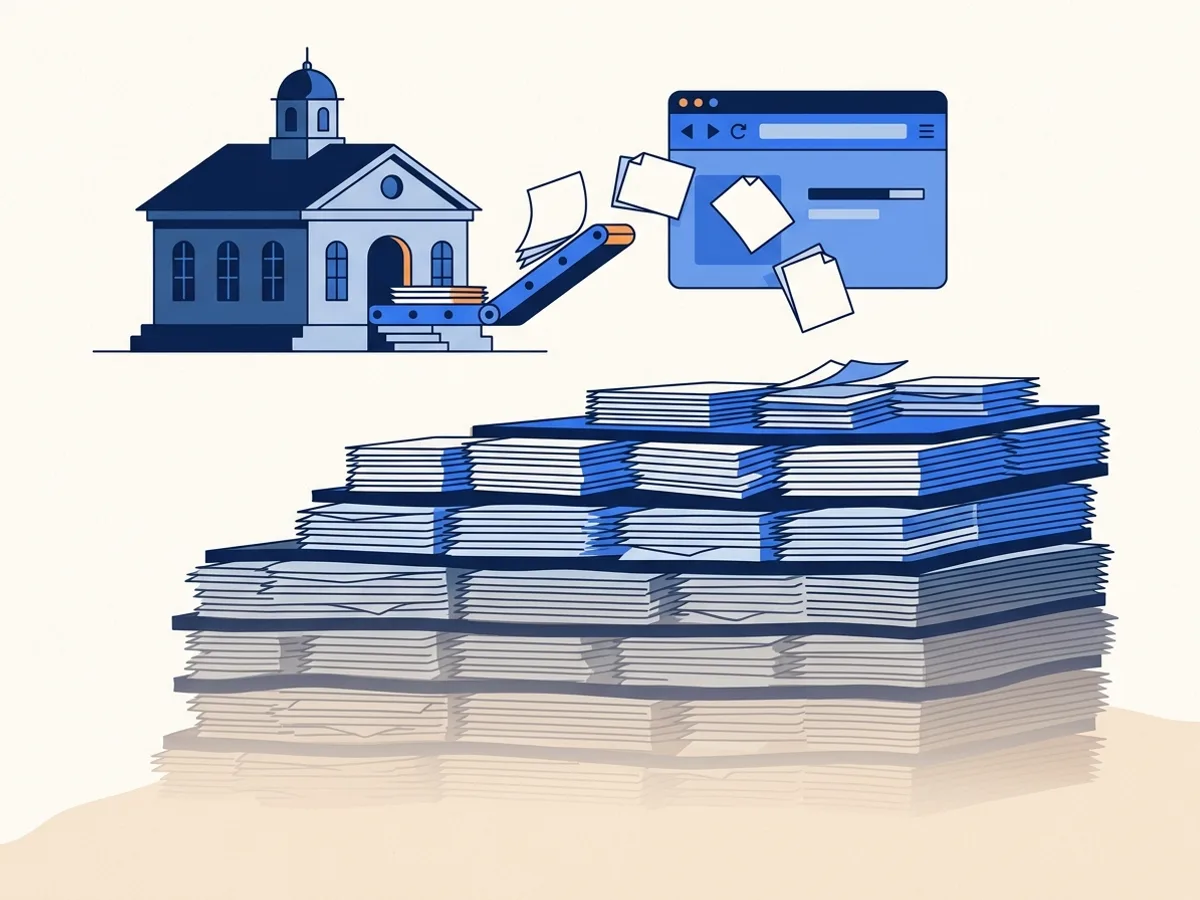
Picture a mid-size county. Every week it posts agendas, minutes, budgets, permits, notices and forms, and every file stays online for years. A PDF exported without tags gives a screen reader nothing to navigate by, and nobody has counted how many of those files there are.
The Department of Justice extended the Title II deadlines in April 2026. In its notice, the Department wrote that staff resources and availability continue to pose significant challenges
(91 FR 20902, at 20907)(opens in new tab). The extension bought time. It did not shrink the backlog.
You cannot plan a backlog you have not counted, so counting your public documents comes first. The website document scan is free.
Every file, checked before you get it
Verified, not promised
Every file is machine-checked before delivery. From Level 2 up, that check includes veraPDF(opens in new tab) PDF/UA-1 validation: an independent, open-source validator, not a score we invent ourselves.
- The machine checks, before and afterTag tree, title, display title, language, untagged content.
- The veraPDF result, with any failed rulesPDF/UA-1 validation from Level 2 up. Zero failed rules to count as verified.
- A score by category, and what a machine could not verifyLow-confidence items such as AI-drafted alt text are listed for review. Version history is kept.
If a file does not reach its threshold, you are not charged for it. Reserved credits are released automatically. You can re-run the file, choose a higher level or add human review.
A real Level 2 report, produced by our pipeline from a synthetic test document, not a customer file. The report PDF itself passes veraPDF PDF/UA-1 validation.
Before remediationuntagged
One undifferentiated block of content. No headings, table structure or image descriptions for a screen reader.
After remediationtag tree
Find → remediate → verify → review → publish
How it works
One pipeline, every file. The steps are the product, so the order is honest.
Step 1
Find or upload
Point us at your domains and we inventory the public documents linked from your pages and sitemaps. Or upload directly, connect an S3 bucket or watch folder, or push files to a signed webhook.
Step 2
Remediate
We build the tag tree, fix reading order, structure tables and forms, and draft alt text for WCAG 2.1 AA and PDF/UA. No hand-tagging by your team.
Step 3
Verify
Every file is machine-checked, with veraPDF PDF/UA-1 validation from Level 2 up. You get a score and a downloadable report.
Step 4
Review the hard cases
Low-confidence items are listed in each file's report. Human review is available at any level: turn it on when you request a fix, or arrange it with our team. Level 3 includes a reviewer spot-check.
Step 5
Publish
Download the accessible version and replace the old file on your website.
Honest about the limits
What automation can't do
When the Department of Justice extended the Title II deadlines, it wrote:Advanced technology, such as generative AI, does not yet reliably automate the remediation of inaccessible content at scale(91 FR 20902, at 20907)(opens in new tab).
That is a fair description of the state of the art, and we are not going to argue with it.
Automation handles much of the work well: tag structure, heading hierarchy, reading order in simple layouts, simple tables, language, metadata and bookmarks. It is less reliable on complex multi-level tables, interactive forms, scanned handwriting, maps and charts, and any alt text whose meaning depends on context a machine cannot see.
So here is what we do about it. We flag low-confidence items, such as AI-drafted alt text, in each file's verification report instead of shipping them quietly. Human review is available at any level, and Level 3 includes a reviewer spot-check. And we do not bill you for a file that fails verification.
The question worth asking any vendor is not whether their automation is perfect. It is what happens to the files it gets wrong.
Automation handles reliably
- Tag structure
- Heading hierarchy
- Reading order in simple layouts
- Simple tables
- Document language and metadata
- Bookmarks
Needs review
- Complex, multi-level tables
- Interactive forms
- Scanned handwriting
- Maps and charts
- Alt text that depends on context
Free tools · no account
Try the checks before you buy anything
Three tools that run the same machinery as the paid product, free, on public files.
Per page, in credits
Pricing you can put in a budget request
You pay per page, in credits. A simple document costs less than a complex form.
Level 1
1 credit per page
Basic documents, with structural checks
Level 2
4 credits per page
Enhanced documents, with veraPDF PDF/UA-1 validation
Level 3
30 credits per page
Complex documents and forms, with a reviewer spot-check
Human review adds 10 credits per page at any level. OCR for scanned pages adds 2 credits per page at Level 2 and is included at Level 3; Level 1 does not run OCR.
The full price list is published on our pricing page, with no call required. Plans start at $299.00 per month, and larger orders can be paid by purchase order on net-30 to net-60 terms.
Compared honestly
Three ways to clear a document backlog
Manual tagging is the gold standard and does not scale. HTML overlays leave the PDF unchanged. DocoMatic returns a checked PDF and tells you what it could not verify.
| Criterion | DocoMatic | Manual tagging (in-house or agency) | PDF-to-HTML overlay |
|---|---|---|---|
| What you publish | Yes: A remediated PDF, replacing the original | Yes: A remediated PDF | No: The original PDF stays online, unchanged |
| Independent validation | Yes: veraPDF PDF/UA-1 on every Level 2+ file | Partly: If the vendor runs it; ask for the report | No: Not applicable to the PDF |
| Per-file evidence | Yes: Downloadable report, before/after, version history | Partly: Varies by vendor | Partly: Usage analytics, not conformance |
| What happens to hard cases | Yes: Flagged in the report; human review at any level | Yes: Handled by the tagger | No: Rendered as best-effort HTML |
| Cost model | 1 / 4 / 30 credits per page by level; not billed if a file fails | Hourly or per page; typically the most expensive per page | Subscription per site or per view |
| Time to clear 1,000 documents | Days, with review queued for flagged items | Months, at the tagger’s pace | Immediate overlay; backlog untouched |
Dated, sourced comparisons with named alternatives are in Comparisons. This table describes categories, not specific vendors.
Who it’s for
Built for the organizations the deadlines cover
Public entities with legal deadlines and years of documents online, starting with the smaller organizations on the 2028 date.
Integrations
Works where your documents already live
Upload directly, connect an Amazon S3 bucket, run a watch folder, or push documents to a signed webhook, and new files are remediated as they arrive. You download the verified files; connections do not write back to the source yet.
Works with
Direct upload
Drag files in, or use the app.
Amazon S3 bucket
Connect a bucket; new objects are picked up.
Watch-folder agent
A folder on your server, watched.
Signed webhook
Push files from your own systems.
Not available yet: SharePoint, Google Drive, Box, Dropbox, Granicus, CivicPlus, BoardDocs, Canvas, Blackboard, Moodle, WordPress and Drupal.
Deadline directory
Find your organization's deadline and backlog
Look up the ADA Title II deadline for a school district, city, county or college. Where we have crawled an organization's public website, its page also shows the documents we found.
Document statistics appear only for organizations whose websites we have actually crawled.
ADA Title II rule timeline
Trust
Things you can check yourself
No customer logos and no invented testimonials. Here is what we publish instead.
- The rule91 FR 20902 (opens in new tab)2026 interim final rule, amending 28 CFR 35.200(b)
- Web contentWCAG 2.1 AA (opens in new tab)The standard the rule adopts
- DocumentsPDF/UA · ISO 14289 (opens in new tab)Accessible PDF, as an ISO standard
- ValidatorveraPDF (opens in new tab)Independent, open-source PDF/UA validation
Security and data handling
Designed to process and store documents only in AWS US regions. Retention is set per plan, deletion is on request, and free-tool uploads are deleted within 24 hours. Our data processing agreement is published.
Read the security overviewAccessibility
This site publishes an accessibility statement with its test methods and known issues. A conformance report (VPAT) for the DocoMatic application is not published yet.
Read the accessibility statementStatus
Status reporting launches alongside the DocoMatic API. We will not publish an uptime figure before we have measured one. Support response times are published in Service Levels and Support.
See the status pageSources and procurement
The regulatory claims on this page link to the primary text: the 2026 interim final rule(opens in new tab) and the 2024 final rule(opens in new tab) it amended. Orders can be paid by purchase order, net-30 to net-60, by ACH.
Talk to us about procurement
- Buying for a public entity?
- What procurement gets today
- Purchase orders
- Net-30 to net-60 invoicing
- ACH payment
- Card opens with the billing launch
- W-9 on request
- Plus a published DPA
- Published price list
- No call required to see it
FAQ
Frequently asked questions
General information, not legal advice. Talk to your counsel about your organization's obligations.
Buying for a larger organization?
Book a 20-minute demo(opens in new tab)When is my ADA Title II deadline?
Does the rule cover PDFs, or only web pages?
Does automated remediation actually produce a conforming file?
What is PDF/UA, and how is it different from WCAG?
What happens if a document fails verification?
Do you remediate scanned documents?
Can you handle fillable forms?
How is this different from converting PDFs to HTML?
What does it cost?
Do you accept purchase orders?
Read further
Guides, comparisons and the blog
Read further before you decide: in-depth guides, dated comparisons with the alternatives, and news on the rules. The guides and comparisons list their sources.
Start with a count
Your deadline is fixed. Your backlog doesn't have to be.
Scan your site free. See how many documents you have, what shape they're in, and what it would cost to fix them. No call required.
100 free trial credits, no card needed.
100 free trial credits for 14 days: up to 10 documents of up to 25 pages each, at Levels 1 and 2, no card needed. You are not charged for a file that fails verification.
Prefer to talk first? Book a 20-minute demo.
We’ll scan your site live, walk through a verification report, and answer procurement questions.