PDF remediation
Bulk PDF remediation for public entities, verified page by page
School districts, cities, counties and special districts publish thousands of PDFs that were never built to be read with a screen reader.
DocoMatic rebuilds their structure — tags, reading order, tables, forms, alt text — for WCAG 2.1 AA(opens in new tab) and PDF/UA(opens in new tab), then validates the result with veraPDF(opens in new tab) from Level 2 up.
You are not charged for a document that fails verification. Reserved credits are released automatically, and you can re-run the document or choose a higher level.
The site scan and the single-file check need no account.
Is this you
Is this you
If three of these are true, you are on the right page.
- You have a compliance date and no count of how many PDFs you publish.
- Board packets, agendas, minutes, budgets, permit applications and forms — going back years.
- Nobody on staff is an accessibility specialist, and nobody is going to be hired as one.
- You have been quoted per page by a vendor and the number made the project impossible.
If you do not yet know how many documents you publish, start with document monitoring — finding the backlog comes before remediating it. If the problem is the website itself rather than the documents on it, remember that documents are one part of the document accessibility platform.
The problem
The backlog math nobody budgets for
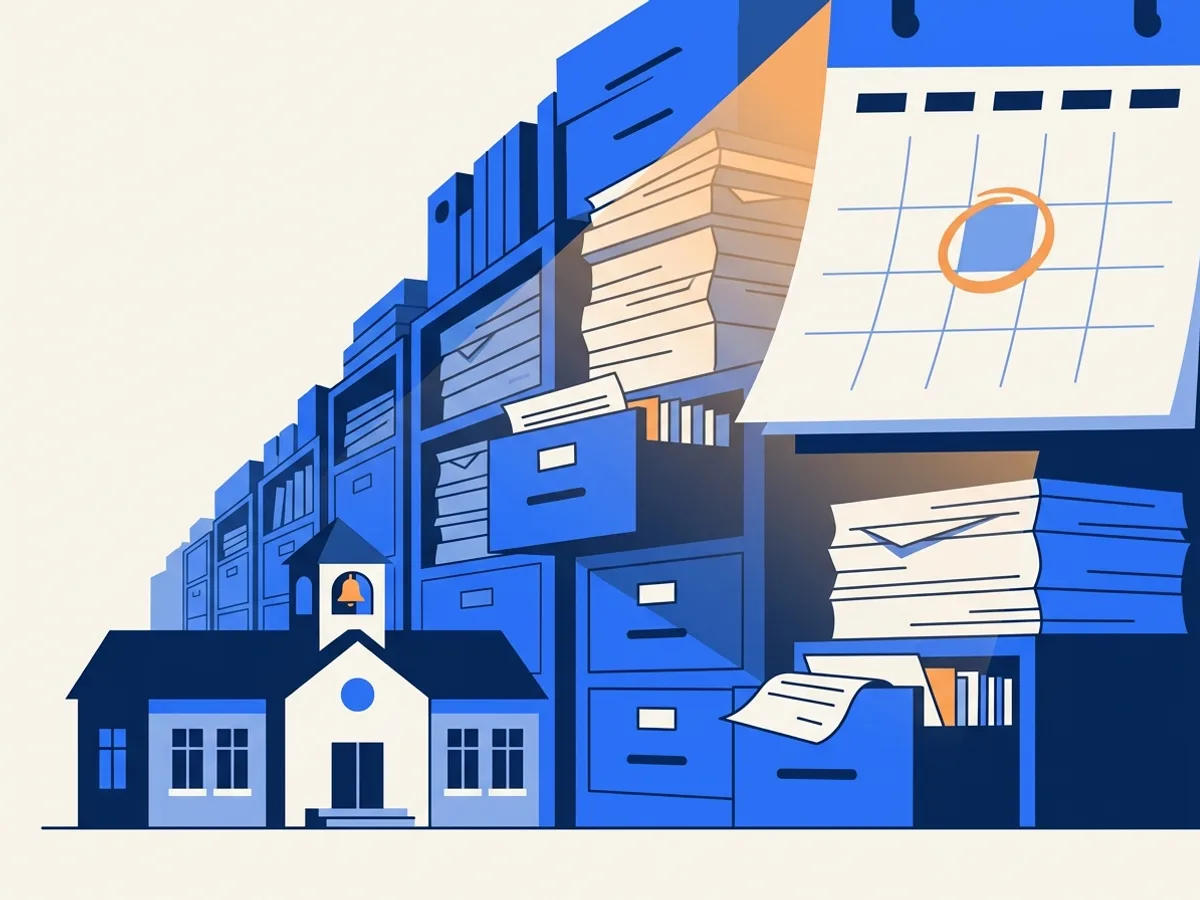
A typical school district or city publishes thousands of PDFs — board packets, agendas, forms, newsletters — and many fail basic accessibility checks. Fixing a backlog that size is a real budget line, and remediation is usually priced per page.
Remediation with verification is built to bring that cost down. Run your own numbers in the remediation cost calculator, or see how the math works for school districts and cities and counties.
$0.20–$0.30
Price per credit on our published monthly plans.
1 · 4 · 30
Credits a page at Level 1, Level 2 and Level 3.
$0.20–$9.00
Per page, set by what is actually on the page.
Read → rebuild → prove
What happens to every page
Every document runs through nine stages, in three phases: read the page, rebuild its structure, then produce the file and the evidence that it is sound.
Every stage persists its output, so a failure resumes from the last good stage rather than restarting your 400-page board packet from the beginning.
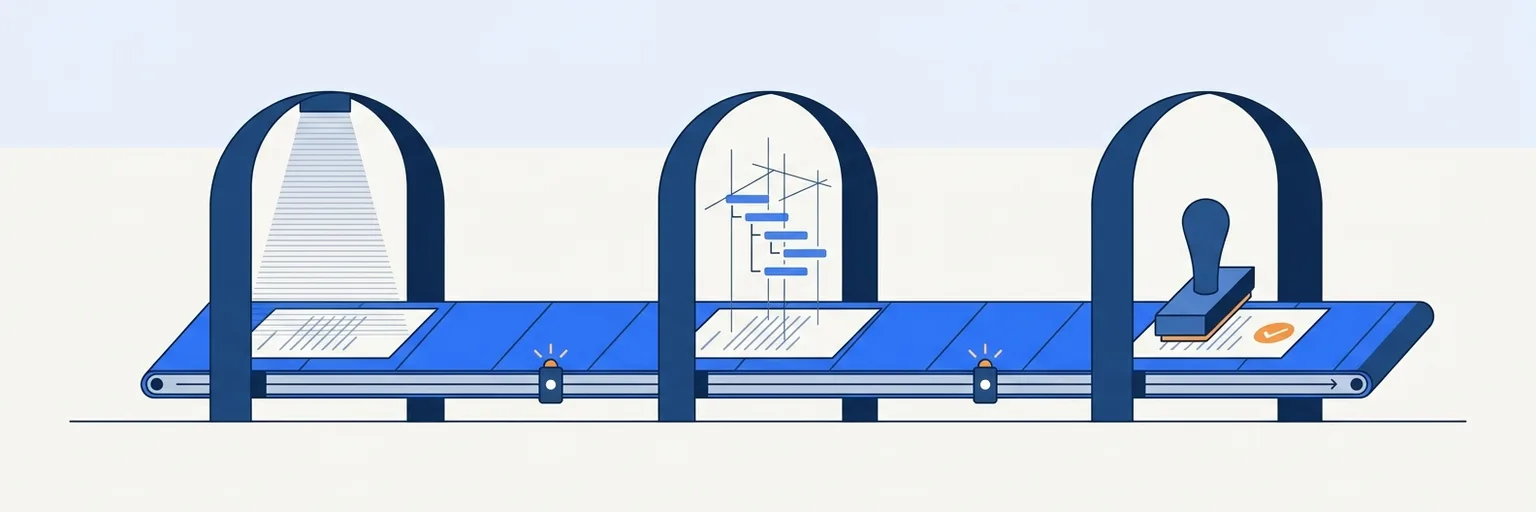
Read
Work out what is actually on the page.
Rebuild
Write the structure a screen reader needs.
Prove
Produce the file and the evidence.
Read
1. Layout analysis
Every page is decomposed into regions and columns, and candidate reading orders are computed.
Read
2. OCR where needed
At Levels 2 and 3, scanned pages get English-language OCR so the text layer matches the visual page. Low-confidence recognition is flagged in the report.
Rebuild
3. Structure tree
Headings, paragraphs, lists, tables with header associations, figures, footnotes and table-of-contents entries are built into a proper tag tree.
Rebuild
4. Artifacts
Headers, footers, page numbers and decorative elements are marked as artifacts so screen readers skip them.
Rebuild
5. Alt text and long descriptions
At Levels 2 and 3, a vision model drafts contextual alt text, with a longer description for charts and complex figures. Very small images are marked decorative. Low-confidence alt text is flagged in the verification report.
Rebuild
6. Forms
Form fields get labels, tooltips, tab order and required-field flags so they can be completed with a keyboard and screen reader.
Rebuild
7. Metadata
Title, language, viewer preferences and the XMP PDF/UA identifier are set so the document announces itself correctly.
Prove
8. Tagged PDF written
The remediated, tagged PDF is written together with a change manifest of everything that was modified.
Prove
9. Verify
The analyzer scores the output and veraPDF validates it against PDF/UA-1; at Levels 2 and 3 both must pass. Below threshold, reserved credits are released and you are not charged.
Untagged → tagged
Before and after: what a screen reader sees
An untagged PDF is a picture of a page. The tag tree on the right is what makes headings navigable, tables understandable and forms fillable with assistive technology.
DocumentH1PTableTR › TH scope=colTR › TDFigure alt=…L › LIForm TU=…
Per page, in credits
Three levels, matched to what is on the page
When you upload a document we analyze what it contains and recommend a level. You see the recommendation, its reasons and the credit estimate, and you choose the level before any work runs. Moving a document to a higher level costs the difference in credits. The full table lives on the pricing page.
Level 1
1 credit per page
- Recommended when the document has
- Text, headings and lists only: no form fields, tables, multi-column pages, images that need alt text or scanned pages
- Typical documents
- Letters, notices, minutes, single-column reports
- Checked against
- Machine checks: tag tree, title, language and no untagged content. Not validated against PDF/UA.
Level 2
4 credits per page
- Recommended when the document has
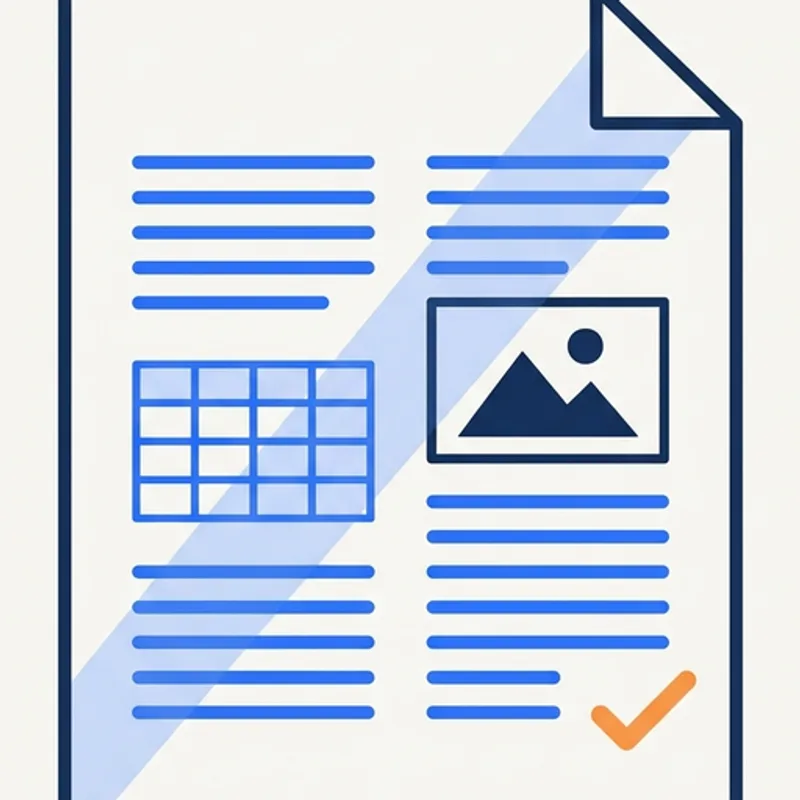
- Data tables, multi-column pages, or figures and images that need alt text (a text description for screen readers). Scanned pages also land here, with the OCR add-on.
- Typical documents
- Budgets, agendas, newsletters, staff reports, scanned records
- Checked against
- The Level 1 checks, a DocoMatic Score of 95 or higher, and veraPDF PDF/UA-1 validation with zero failures
Level 3
30 credits per page
- Recommended when the document has
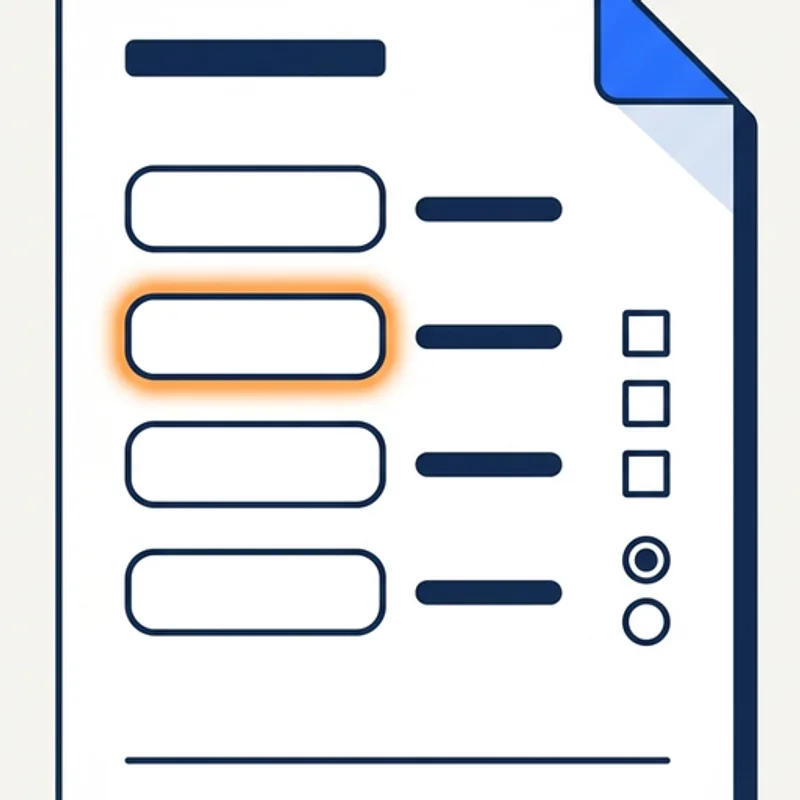
- Fillable form fields. Level 3 adds the forms work: radio button groups, choice lists, required fields, format hints, signature fields and tab order across pages. OCR is included.
- Typical documents
- Permit applications, registration forms, IEP and 504 forms
- Checked against
- The Level 2 checks, plus a reviewer spot-check
The threshold is two separate checks
- Our analyzer
- The DocoMatic Score is our own measurement of the output, from 0 to 100. Level 2 and Level 3 require 95 or higher. We wrote it and we grade against it, and we would rather say so than present it as independent evidence.
- veraPDF
- veraPDF(opens in new tab) validates the file against PDF/UA-1 and must return zero failures. It is an independent open-source validator maintained by the PDF Association and the Open Preservation Foundation. We did not write it and we cannot tune it.
The second check is the one your auditor can reproduce. It is also what the no-charge promise is measured against. Level 1 output is structurally checked; PDF/UA-1 validation is not part of its threshold. The authoritative threshold for each level is the table on the guarantee page.
What you can send
What you can send us
What happens to each kind of file, and what OCR costs when a page needs it.
| Input | What happens |
|---|---|
| PDF (born-digital) | Straight into layout analysis. This is the shortest path through the pipeline. |
| Scanned PDF | English OCR at Level 2 and Level 3, then the normal pipeline. OCR adds 2 credits a page at Level 2 and is included at Level 3. Level 1 does not run OCR. |
| PNG page images | Assembled into a document, then OCR, then the normal pipeline. |
| JPEG page images | Assembled into a document, then OCR, then the normal pipeline. |
Blank pages are detected and not billed. Send documents one at a time, as a batch, from an Amazon S3 bucket, a watch folder or a signed webhook — see integrations.
Honest about the limits
What this doesn't do
Scope, stated plainly, so you can rule us in or out in a minute rather than a month.
English OCR only. Scanned pages in other languages are not recognised today. If you publish in Spanish or Chinese, tell us — it affects how we sequence language support.
PDFs and page images, not source documents. We do not remediate Word, Excel or PowerPoint files. Remediate the published PDF, or fix the source and re-export — our guide to choosing between Acrobat, checkers and automation covers the trade-offs.
Not a certification. No government body certifies documents as accessible, and we do not issue certificates. We remediate to a technical standard and hand you the evidence. Whether that meets your legal obligations is a question for your counsel.
Alt text is drafted, not judged. A vision model writes it and flags what it is unsure of. Whether the description means the right thing in your context is a human judgement — that is what human review is for.
Not braille, large print or tactile formats. Some entities must provide them, and we do not produce them.
Not legal advice. DocoMatic publishes this as general information for accessibility, records and IT teams. For decisions about your entity's obligations, rely on the primary sources linked here and the DOJ materials at ADA.gov, and consult your attorney.
The report
Verified output, with the report to prove it
A real Level 2 job: score 40 before, 100 after, and 106 veraPDF rules passed with none failed.
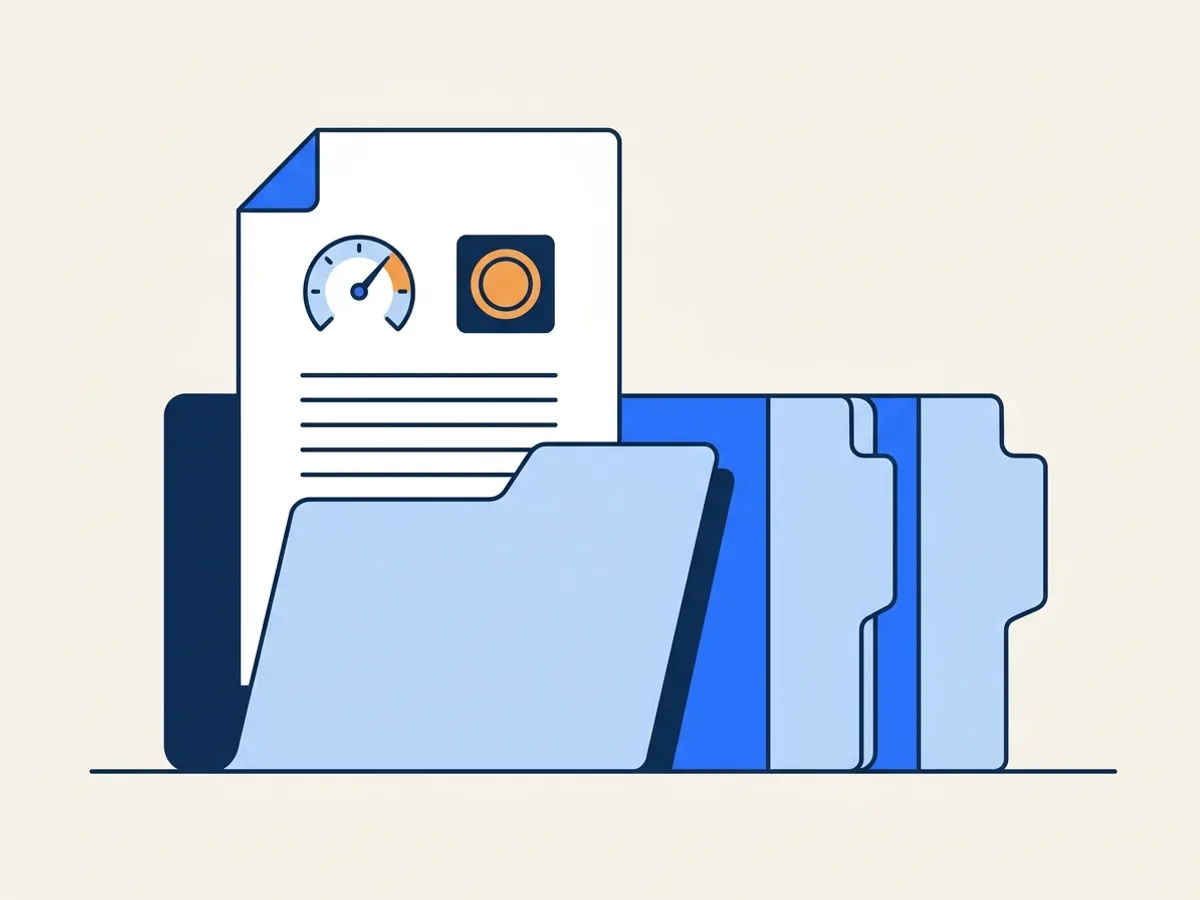
Every remediated file carries a verification report you can download as PDF and JSON: the score before and after, every check that ran, the veraPDF result and a summary of what changed. Keep it for records requests and audits.
Two things are reported, and they are not the same kind of claim. One is our analyzer's score. The other is an independent validator's result.
The DocoMatic Score is ours — we wrote it and we grade against it, and Level 2 and Level 3 must reach 95. veraPDF is not ours: it is maintained by the PDF Association and the Open Preservation Foundation, it validates against PDF/UA-1, and it must return zero failures. Level 1 output is structurally checked and is not PDF/UA-validated.
What it costs
Per-page pricing that fits public budgets
A Level 1 page uses 1 credit, a Level 2 page 4 and a Level 3 page 30. At published plan rates that is $0.20–$9.00 a page, set by what the page contains.
You are not charged for a document that fails verification. Reserved credits are released automatically, and you can re-run it or choose a higher level.
FAQ
Frequently asked questions
Buying for a larger organization?
Book a 20-minute demo(opens in new tab)How much of PDF remediation is automated?
Which standards does DocoMatic remediate to?
What happens if a document fails verification?
Can DocoMatic handle scanned PDFs?
When should I add human review?
What does a Level 3 page actually look like?
What if a document fails twice?
Can you work from our document management system?
Do you handle documents in languages other than English?
Start with a count
Bring your backlog to verified accessibility
Start with 100 free trial credits, or check a single PDF right now with no account. If you do not yet know how many documents you publish, scan your site first — that answer is free too.