Patient documents, accessible under the HHS Section 504 rule
Recipients with 15 or more employees: May 11, 2027 · Fewer than 15: May 10, 2028
If your organization receives federal financial assistance from HHS, the 2024 Section 504 rule requires your web content — including the PDFs patients actually use — to meet WCAG 2.1 AA.
DocoMatic remediates intake forms, notices and instructions to WCAG 2.1 AA and PDF/UA, with verification reports your compliance office can file.
The scan is free and needs no account. The trial is 100 credits for 14 days, on up to 10 documents, with no card.
- Recipients with 15 or more employees
- 7 months to May 11, 2027
- Recipients with fewer than 15 employees
- 19 months to May 10, 2028
Months counted from the day this page was generated. HHS extended both dates once, in May 2026, and says it may propose further changes to the rule; see the sources below.
The HHS rule puts a date on patient documents
The rule, the two dates and where each stands today, the exceptions, and where each of them is written down.
In May 2024, the Department of Health and Human Services published a final rule under Section 504 of the Rehabilitation Act requiring recipients of HHS federal financial assistance to make their web content and mobile apps — explicitly including documents such as PDFs posted for patients — conform to WCAG 2.1 Level AA. The requirement is at 45 CFR 84.84(opens in new tab).
The compliance date depends on how many employees the recipient has, not on how much funding it receives: fifteen or more employees means May 11, 2027; fewer than fifteen means May 10, 2028. Both were moved back a year by an interim final rule of May 11, 2026(opens in new tab), and each now falls about 15 days after the corresponding ADA Title II date — so a public hospital under both rules plans to the earlier one.
For most providers the exposure is concentrated in documents: intake and consent forms, aftercare instructions, financial assistance policies. A patient who cannot read the pre-procedure instructions is the accessibility failure regulators and plaintiffs notice.
The two dates, and where each stands
| Compliance date | Applies to | Status |
|---|---|---|
| May 11, 2027 | Recipients with 15 or more employees | 7 months away |
| May 10, 2028 | Recipients with fewer than 15 employees | 19 months away |
Both dates come from the Department's interim final rule of May 11, 2026(opens in new tab), 91 FR 25496 (May 11, 2026), amending 45 CFR 84.84(b), which extended each date in the rule of May 9, 2024 by one year and says recipients' other Section 504 obligations continue regardless.
Not every old PDF has to be fixed
45 CFR 84.85(opens in new tab) excepts conventional electronic documents — PDFs, word-processor, presentation and spreadsheet files — posted before your compliance date, unless such documents are currently used to apply for, gain access to, or participate in the recipient's programs or activities. A 2019 community health report is the first kind; a 2019 intake form still in use is the second.
Archived web content is excepted separately, on four conditions in 84.10(opens in new tab) — among them that it is retained exclusively for reference, research, or recordkeeping, in an area clearly identified as archived. The inventory sorts a true archive from the live backlog; counsel decides the edge cases.
Sources
Every regulatory claim on this page is cited to one of these primary sources.
- HHS Office for Civil Rights: Section 504 final rule
- HHS interim final rule extending the web and mobile compliance dates, 91 FR 25496 (May 11, 2026), amending 45 CFR 84.84(b)
- HHS Section 504 final rule, Federal Register, May 9, 2024
- 45 CFR 84.84 — Requirements for web and mobile accessibility (eCFR, current text with the extended dates)
- 45 CFR 84.85 — Exceptions, including preexisting conventional electronic documents (eCFR)
- W3C Web Content Accessibility Guidelines (WCAG) 2.1
Does the rule apply to us?
Section 504 follows the funding, not the sector. If your organization receives federal financial assistance from HHS, it applies — a recipient is any public or private agency, institution, organization, or other entity(opens in new tab) the assistance reaches. Employee count decides your date, not whether you are covered.
| If you are | Likely covered |
|---|---|
| A public hospital, hospital district or public health department | Yes, if you receive HHS assistance — and ADA Title II applies as well, with its own dates. See the public-entity segments. |
| A nonprofit health system receiving HHS funding | Yes. |
| A community health center or clinic funded through HHS grants | Yes. |
| A private practice accepting Medicaid or CHIP | Usually — Medicaid participation is generally treated as federal financial assistance. Confirm with counsel. |
| A provider taking no federal funds at all | Section 504 does not apply. Other obligations may — ADA Title III and state law among them. |
Coverage is a legal conclusion: this table routes, it does not rule. Confirm each row with counsel against your own funding streams.
If both rules apply to you
The technical target is the same — WCAG 2.1 AA — and remediating once satisfies both. The dates, the regulator and the reporting differ; plan to the earlier applicable date.
The patient-facing document set
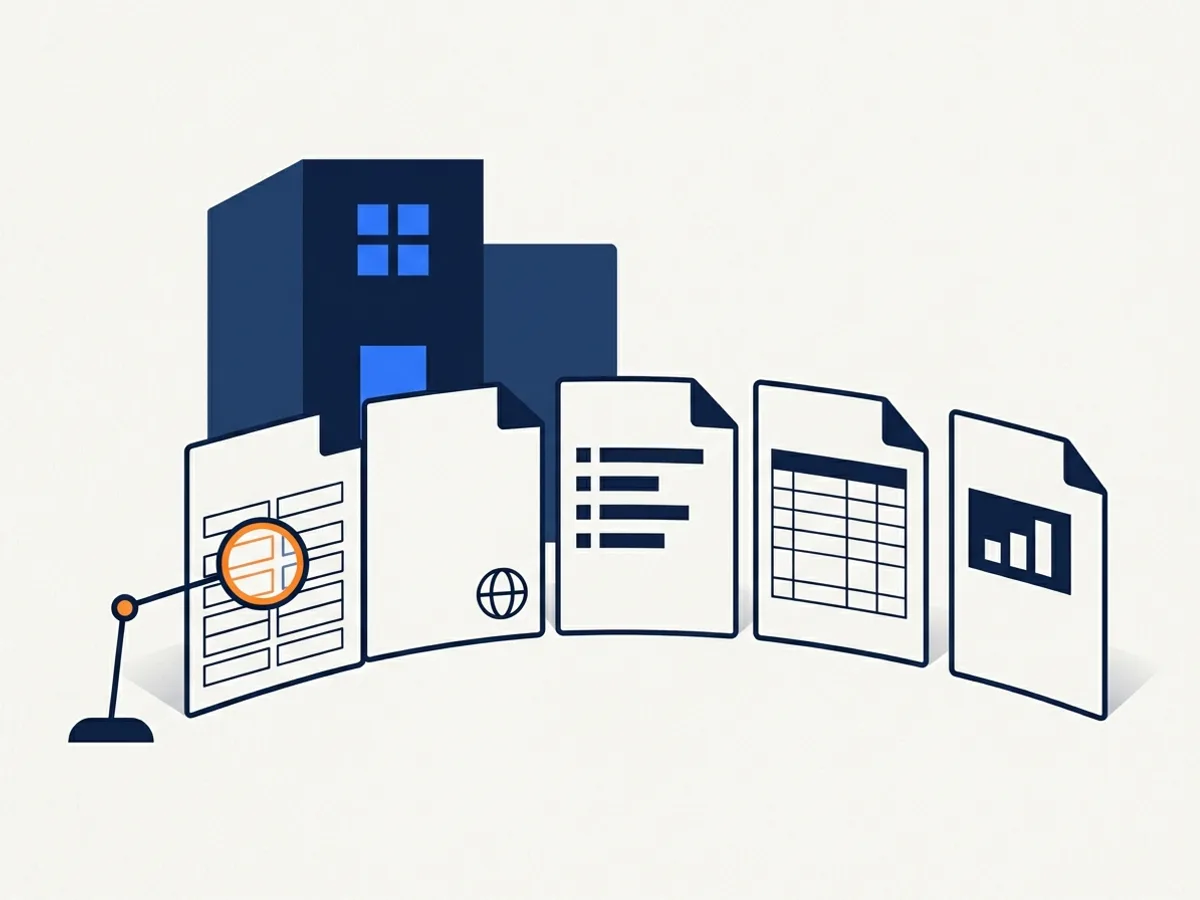
The backlog concentrates in the files patients depend on most. Five categories, and what each one needs.
Intake, consent and registration forms
Fillable forms with labelled fields, a logical tab order and required-field flags. These are Level 3 documents — interactive fields, often several pages — and they are where a failure stops being a compliance finding and becomes a patient who could not register, or who signed something they could not read. The analyzer recommends the level per document and you choose it before any work runs.
Human review is recommended here. A named reviewer checks what machines cannot settle — whether a label matches what the field is asking — and signs an attestation before delivery, for 10 credits a page on top of the level.
Which forms are covered. A completed form about one patient, behind a portal login, falls under the rule's exception for individualized, secured documents. The blank form on your public site does not.
Notices of nondiscrimination and privacy
Legally required, often published in many languages, each needing its own language declared in the file.
Aftercare and preparation instructions
The documents patients must read and follow — failures here carry clinical consequences, so ambiguous alt text and reading order go to a reviewer.
Financial assistance and billing policies
Table-heavy policies and estimates that need real structure, not scanned images of text: tagged tables, and OCR where the source is a scan.
Community health and quality reports
Charts and figures that need meaningful text alternatives a machine cannot write on its own.
Notices in many languages
Notices of nondiscrimination and language-assistance taglines are often published in fifteen or more languages. Each version needs its own language declared in the file — otherwise a screen reader reads Spanish text with an English voice, which is not a partial failure but a total one.
Each file's primary language is written into its metadata as a BCP 47 tag — English, French and Spanish are detected from the text; any other language is set in review — and every version is verified separately: a set of fifteen notices is fifteen verified files, each with its own report.
One limit, stated plainly
Our OCR is English-only. Born-digital PDFs in other languages go through the structural pipeline normally, but a scanned notice in Spanish or Vietnamese cannot be recognised today, and we do not yet verify non-English alt text. If your multilingual notices are scans, tell us before you buy.
Fits how compliance teams work
Four steps, around the people a health system already has. Nothing we run writes to your site: you publish the verified file yourself.
Step 1
Connect your public domains
We crawl your public sites — system, facilities, foundation — and inventory every posted document. Only public content is crawled — no patient data is involved, and we never write to your site.
Step 2
Remediation runs at the level you chose
Your forms, notices and instructions are remediated to WCAG 2.1 AA and PDF/UA with a verification score per file. The score is ours; from Level 2 up, the PDF/UA verdict comes from veraPDF.
Step 3
Compliance reviews the flagged files
High-stakes documents — consent forms, notices — go to a named reviewer on our accessibility team, who signs an attestation before the file is delivered. Every version keeps a record of what changed.
Step 4
Verified files with an audit trail
Every remediated document carries a verification report your compliance office can produce on request.
Where to start, in order
The order of work is the same whether your date is months away or further — and it gives a compliance office something to show.
A compliance officer does not need to be told the date is coming; they need a defensible order of operations and a record. Most organizations have never counted what they publish — that is the first step, and it takes minutes.
Section 504 enforcement runs through HHS OCR complaints and investigations, and the extension moved the date, not the duty: the Department wrote that recipients have an ongoing obligation to ensure that their programs and activities offered using web content and mobile apps are accessible to individuals with disabilities
(91 FR 25496)(opens in new tab). What matters when a complaint arrives is what you can show.
Count what you publish
Scan your public site free — a few minutes, no account — for a document count and the share failing the machine checks.
Fix the documents patients must act on
Intake and consent forms, aftercare instructions, financial assistance policies: small volume, highest consequence, and the clearest case for human review.
Fix the notices
Legally required, published in many languages, and usually quick: one verified file per language.
Keep a record
Every remediated file carries a verification report with a date on it, and monitoring catches what is new. A documented programme in progress is a different position from no programme at all.
This is not legal advice and it is not a defence. It is the order the work goes in.
See your own backlog
We do not maintain a registry of healthcare organizations the way we do for public entities — HHS funding recipients are not a published list — so the number that matters is yours.
Free scan
Scan your own domain instead
A free scan gives you the count and the failing share in minutes, with no account, and we do not need to have crawled you first. Run it on the system site, then on each facility site.
Scan our public documentsA public hospital or health department?
Public hospitals and health departments also have a page in our ADA Title II deadline hubs, with their Title II dates — separate from the HHS dates on this page.

Pricing for healthcare volume
Priced per page by level, at published credit rates. Notices, instructions and reports usually run at Level 1 or 2; fillable forms are Level 3; scanned records run at Level 2 with the OCR add-on. Systems usually clear the backlog with a one-time pack, then run a monthly plan.
A worked example: a 60,000-page backlog
A multi-facility system: forms, notices in a dozen languages, billing policies. Round numbers, so the arithmetic can be checked in a compliance committee; the mix is illustrative.
| Level | Pages | Credits per page | Credits |
|---|---|---|---|
| Level 1 — text, headings and lists | 42,000 | 1 | 42,000 |
| Level 2 — tables, columns, images | 15,000 | 4 | 60,000 |
| Level 3 — fillable forms | 3,000 | 30 | 90,000 |
| Human review on the form pages | 3,000 | 10 | 30,000 |
| Total | 60,000 | 222,000 |
The 250,000-credit backlog pack is $37,500.00 — $0.15 a credit, with 24 months to use it — so it covers this backlog with credits to spare.
For ongoing publishing, Growth is $999.00 a month for 4,000 credits and 3 monitored domains; Scale is $2,999.00 a month for 15,000 credits, for systems with many facility sites.
Scanned pages add 2 credits a page for OCR at Level 2. Human review adds 10 credits a page on top of the document's level.
An estimate, not a quote: the level is assessed per page when work runs, and you see it before anything is charged.
You are not charged for a document that fails verification. How the no-charge rule works.
How health systems buy
Card payment opens with our billing launch. Today, plans and credits are arranged by quote and paid by purchase order.
Purchase orders with net-30 to net-60 invoicing, paid by ACH. We accept tax-exempt certificates, and a W-9 is available on request.
No protected health information without a signed Business Associate Agreement. Public documents contain none, so most customers never need one; if your policy requires a BAA regardless, one is available on request — see the FAQ and section 11 of the Data Processing Agreement.
SSO is included on every paid plan. Team members: 5 on Starter, 15 on Growth, 50 on Scale.
Healthcare questions
Does the HHS Section 504 rule apply to our organization?
It applies to recipients of federal financial assistance from HHS, public or private — most hospitals, health systems, clinics and providers participating in Medicaid and other HHS-funded programs. Employee count decides your compliance date, not whether you are covered; whether your funding streams qualify is a question for counsel.
What are the compliance dates?
Recipients with fifteen or more employees must comply by May 11, 2027; those with fewer than fifteen by May 10, 2028. HHS extended both dates by a year in an interim final rule of May 11, 2026, and says it may propose further changes to the 2024 rule. Public hospitals and health departments are also under ADA Title II, whose dates are set separately.
Does DocoMatic touch patient data?
Only if you upload it, and you must not upload protected health information unless DocoMatic has signed a Business Associate Agreement with you first. Our monitoring crawls only public web content — blank forms, notices, instructions — which normally contains no patient data. Uploaded files are scanned for malware before processing and are never used to train models, and public-tool uploads are deleted within 24 hours. See section 11 of our Data Processing Agreement.
Can you make our intake forms fillable and accessible?
Yes — forms are our highest remediation level, Level 3: labelled fields, a logical tab order and correct grouping for choices, at 30 credits a page, and we recommend human review for them. A form that fails our verification threshold is not charged.
How does pricing work for a multi-facility system?
Per-page credits shared across workspaces, so each facility gets its own reporting while the system buys volume once. A page costs 1 credit at Level 1, 4 at Level 2 and 30 at Level 3; a credit costs $0.20–$0.30 on a monthly plan, and backlog packs are cheaper per credit.
The dates were extended. Should we wait?
The extension moved the dates, not the obligation: the interim final rule says recipients' duty to make the programs they offer through web content accessible continues regardless. Counting what you publish takes minutes, the forms patients must act on are worth fixing on any timeline, and waiting means a bigger backlog on the day the date arrives.
Does Section 504 apply to private practices?
If the practice receives federal financial assistance from HHS, yes — the rule covers private as well as public recipients, and Medicaid participation is generally treated as federal financial assistance. A practice with fewer than fifteen employees is covered on the later date, May 10, 2028. Confirm your own funding streams with counsel.
Do we need a BAA?
For public documents, no: we process only the public files you or your systems send us or that our crawler finds on your website, and no protected health information is involved. If you intend to upload documents that contain protected health information, a Business Associate Agreement must be signed first — DocoMatic does not accept protected health information on any other basis. One is available on request from [email protected]; if your policy requires a BAA regardless, tell us.
Are patient portal documents covered?
The rule covers the web content and mobile apps a recipient provides, including documents behind a login, with an exception for individualized, password-protected documents about a specific patient. Monitoring does not crawl behind a login, so portal documents reach us by upload or a connection — and if any could contain protected health information, a Business Associate Agreement comes first.
Be ready before your HHS date
Start by finding out what you publish — most organizations have never counted, and a free scan gives you the number and the failing share in minutes, with no account. Or start with 100 free credits — about 100 simple pages, 25 complex ones or 3 pages of fillable forms, across up to 10 documents in 14 days — and check our quality on your own forms first.