Human review
Human review for the documents machines cannot settle
Machine checks cannot tell whether alt text says the right thing, or whether a reading order makes sense to a person. Those are the questions a person settles.
A named reviewer from our accessibility team opens the remediated file in our review workbench and signs an attestation before it reaches you.
Human review is an add-on: 10 credits per page on top of the document's level, or $2.00–$3.00 per page at published plan rates.
You choose it per document. Level 3 already includes a reviewer spot-check; the add-on makes it a full review, at any level.
Reviewer attestation, as signed
A. Okonkwo ([email protected]), signed in to the DocoMatic staff console as a reviewer with multi-factor authentication, reviewed "Building permit application" (L3). The remediated document was displayed in the review workbench for 41 min 12 s, covering 12 of 12 pages. The reviewer affirmed 6 of 6 checklist items; the items are listed with the time each was confirmed. The reviewer applied 3 corrections to the document. The corrected file was re-checked before sign-off: veraPDF PDF/UA-1 passed. Assistive-technology checks listed in the checklist are the reviewer's own affirmation and were not machine-observed. This attestation records a human review. It is not a legal certification of compliance.
Attestation hash (sha256:canonical-json) 9f2c41e0b7d84a15c3e6f0a29b5d7c8e14a30f6b2d9c58e7a1b4f3d602c9e8a57
Illustrative. The wording is the attestation the product writes; the name, the document and the figures are from a synthetic file.
Named, not anonymous
Who reviews your documents
Our own accessibility team. Not a marketplace, not a subcontractor, not a rotating pool.
| Who | Only DocoMatic staff holding the reviewer role can claim, correct and sign a review, on a session confirmed with multi-factor authentication. A shared mailbox, or an account with no recorded name, is refused — so a signature always names a person. |
|---|---|
| Where they work | Our review workbench: the tag tree, reading order, table structure and form fields the pipeline produced, beside the rendered document. |
| What they leave behind | A named, dated attestation attached to that document version, and a reviewer section in the verification report. |
| Who you can ask | The reviewer is named on the attestation, with the date and the exact file it covers. If you disagree with a judgment, you have a person and a record to point at. |
A reviewer cannot sign a document they have not read
Sign-off is refused unless the workbench recorded the remediated file being displayed on screen, every checklist item is affirmed, and no correction is still pending. The attestation then records how long the document was on screen and how many of its pages were shown. That is the difference between a signature and a rubber stamp, and it is enforced by the software rather than by a policy.
The reviewer reads the same verification report you do, including everything the pipeline flagged as low-confidence. That list is where a review starts.
Your own staff can review too, and it is labeled as yours
Your team can open the same workbench and review your own documents, with the same checklist and the same kind of record. That record says in so many words that it is your organization's own review, that it is not a DocoMatic human review, and that DocoMatic has not checked the reviewer's work. The two are kept apart everywhere they appear.
Present → right
What review looks at
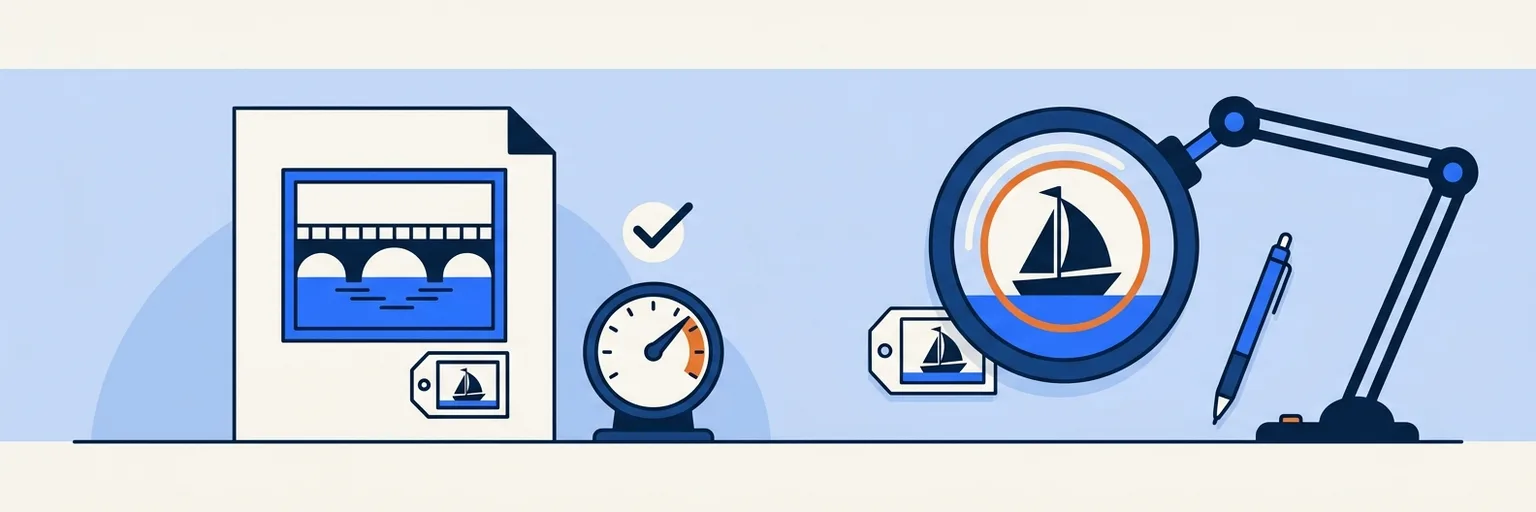
A machine check answers whether something is present. A reviewer answers whether it is right.
| What a machine can check | What the reviewer settles |
|---|---|
| Alt text is present on every informative image | Whether it says the right thing — alt text that is present but wrong |
| Reading order validates | Whether it makes sense to a person — reading order that validates but confuses |
| Table headers are associated with their cells | Whether the header actually describes its column |
| Form fields carry labels | Whether the label matches what the field is asking for |
The verification report already lists what a machine could not verify. An image description generated with a confidence below 0.5 is flagged there for a person, and reading order inferred from layout rather than from structure in the source file is listed line by line. A reviewer starts from that list rather than from a blank page.
Structure, never content
What a reviewer can and cannot change
Stated before you buy, so nothing about the result is a surprise.
They can
- Retag an element, and change a heading's level.
- Reorder the reading order.
- Rewrite alt text, and set the accessible name a screen reader reads in place of an element.
- Mark a table cell as a header, with the row or column it heads.
- Correct a form field's label.
- Mark decorative content so screen readers skip it, or restore content that was hidden by mistake.
- Set the document's title and language.
They cannot
- Change your content. The workbench has 11 kinds of edit and not one of them rewrites the words on the page. Review changes how a document is structured and described, never what it says.
- Make an inaccessible design accessible. If the source document carries meaning in color alone, sets 6pt text, or is a photograph of a table, a reviewer can describe the problem in the report. They cannot redesign your document.
- Certify compliance. No one can — there is no such certificate. The attestation says so itself: it records a human review, and it is not a legal certification of compliance. What your legal obligation requires is a determination for your counsel.
- Guarantee that a judgment is the only correct one. Two accessibility professionals can reasonably describe the same chart differently. The attestation also records that the assistive-technology checks on the checklist are the reviewer's own affirmation and were not machine-observed. What you get is a considered judgment with a name against it, not an absolute.
Human review is one part of the document accessibility platform, and it is the part that decides what the machines left open.
The record
What you get back
Every reviewed document version is delivered with an attestation: a record of what a person checked, written by the system rather than typed by the reviewer.
| Field | What it holds |
|---|---|
| Reviewer | Name, work email and staff role, on a session verified with multi-factor authentication. |
| Document and version | The document, its level, and the exact version that was reviewed. |
| Times | When the reviewer claimed the document and when they signed. |
| What was on screen | How long the remediated document was displayed, how many of its pages were shown, and whether the original upload was displayed beside it. |
| Checklist | Each item the reviewer affirmed — tag tree, reading order, alt text, table headers, form labels, screen-reader pass — with the time each was confirmed. |
| Corrections | Every change the reviewer applied, with its page, what it touched and the new value. |
| The file that was signed | A SHA-256 of the pipeline's output and of the file actually signed, so you can tell whether a person changed anything. |
| Re-check after corrections | If the reviewer changed anything, veraPDF PDF/UA-1 and the DocoMatic Score are run again on the corrected file before sign-off, and the result is recorded here. |
| Hash | A SHA-256 over the whole record. A record that has been edited, or that no longer matches what the system holds, no longer matches its hash. |
The attestation is printed in the verification report under "AI-generated content and human review", as written and never paraphrased. If the reviewer changed anything, the report carries a second table listing every correction — where it was, what it touched and the new value — and says plainly that the file you received is not the automated pipeline output.
That last point is the one worth having. An attestation that only lists wins is marketing. One that records what a reviewer changed, what they left as they found it, and what they could not fix is evidence — and it tells you something useful about how the document was authored in the first place.
You are not charged for a document that fails verification.
Worth it, or not
When human review is worth it
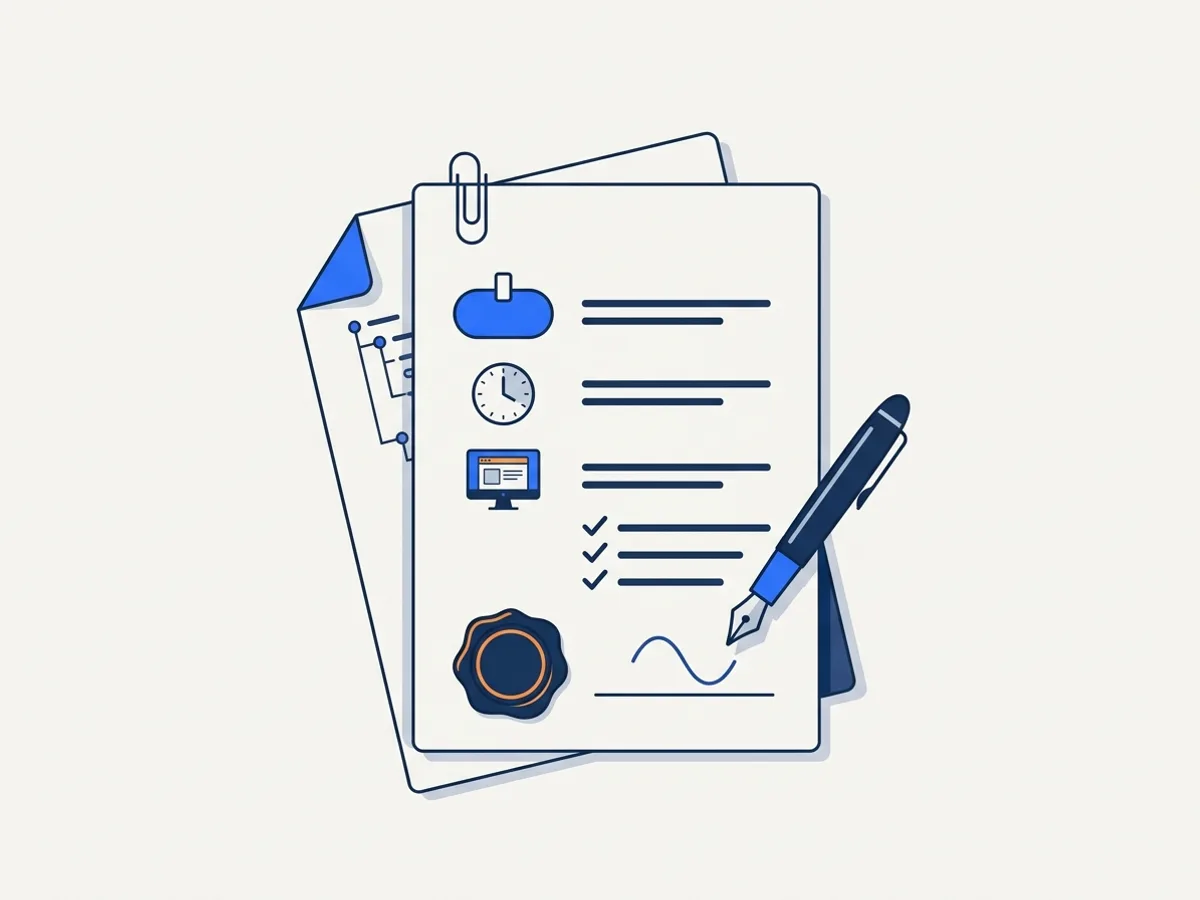
Most documents do not need it. These are the ones that usually do.
| Document | Review? | Why |
|---|---|---|
| Fillable forms residents must complete | Yes | A mislabeled field is a resident who cannot apply |
| Legal and public notices | Yes | The cost of being wrong is legal, not cosmetic |
| Election materials | Yes | The highest-scrutiny documents you publish |
| Emergency communications | Yes | Read under pressure, often with assistive technology |
| High-traffic documents | Usually | Volume multiplies any error |
| Board packets | Sometimes | Review the forms and financial tables inside; not all 300 pages |
| Archived newsletters, past minutes | Rarely | Machine verification is proportionate |
It fits school districts publishing enrollment forms and state agencies with mandated notices.
A rule of thumb: if somebody has to do something with the document — fill it in, act on it, meet a deadline from it — review it. If they are reading it for the record, machine verification is usually proportionate.
Machine first, then a person
How review fits your schedule
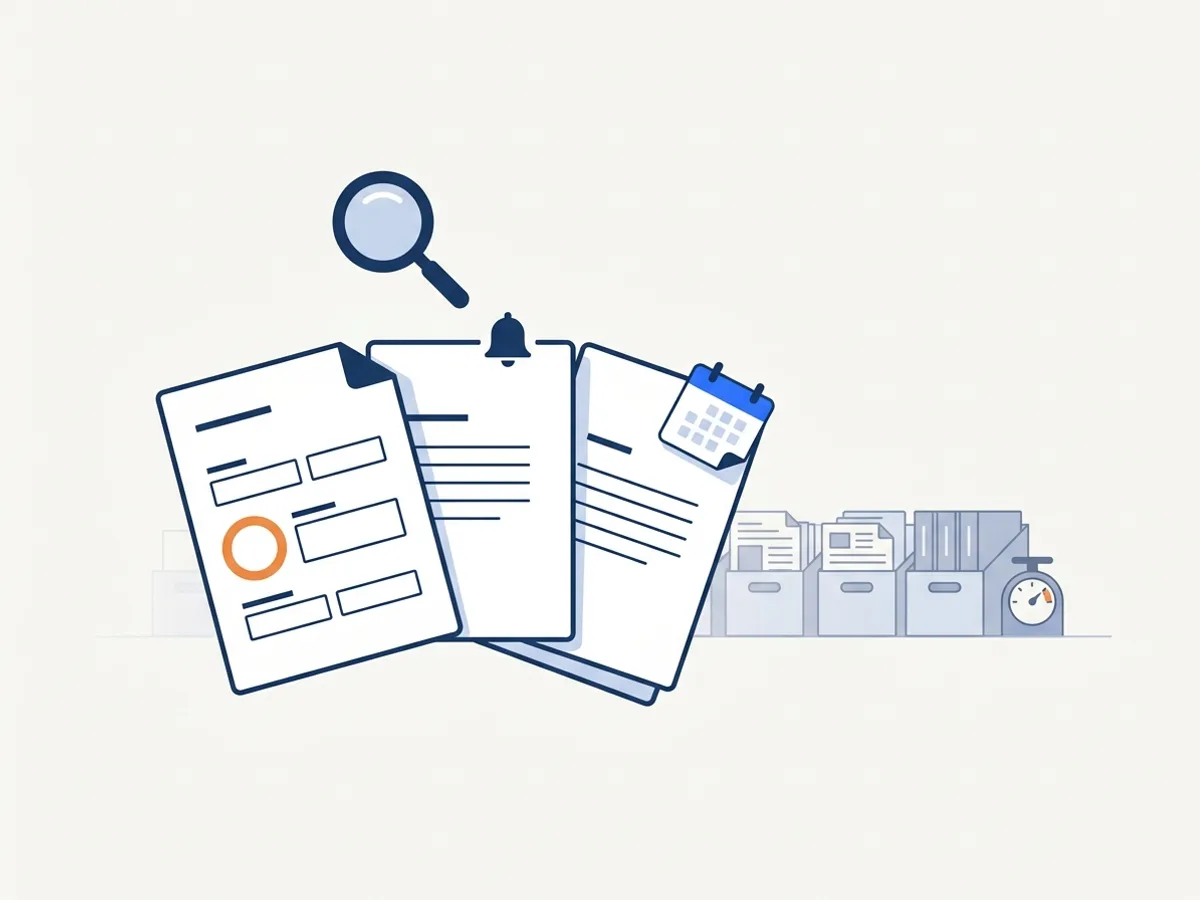
We do not publish a turnaround time. Nothing in the product commits to one, and a date we might miss is worse than no date at all. If you have a hard date, tell us when you arrange the batch — we would rather decline a deadline than miss one.
Step 1
Machine remediation is not held up by review. The remediated file and its verification report are finished when the pipeline finishes.
Step 2
When you have paid for review, the run does not publish until a person has looked at it. You paid for a reviewer, so the document waits for one.
Step 3
At Level 3, reviewer sign-off is part of verification. Until it is signed, the result is provisional, the version is not marked verified, and the credits stay reserved rather than charged.
Step 4
If a reviewer is not satisfied, the document goes back to the pipeline for another pass instead of being delivered as it is.
Batch size is arranged rather than published, for the same reason as the turnaround. Tell us how many documents and by when, and we will tell you what we can commit to.
Per page, in credits
What human review costs
10 credits per page, on top of the document's level. At published plan rates of $0.20–$0.30 per credit, that is $2.00–$3.00 per page.
A worked example: a 12-page permit application at Level 3
| Credits per page | Pages | Credits | |
|---|---|---|---|
| Level 3 remediation | 30 | 12 | 360 |
| Human review | 10 | 12 | 120 |
| Total | 40 | 12 | 480 |
480 credits — $96.00–$144.00 for the document at published plan rates, or $8.00–$12.00 a page, for a form residents must complete, checked by a named person who signs for it.
You choose per document. Review is not a plan, a retainer or a minimum, so you can turn it on for the twelve pages that matter and leave it off for the other three hundred.
Level 3 already includes a reviewer spot-check at no extra charge. The add-on turns that spot-check into a full review, and it is what puts a reviewer on a Level 1 or Level 2 document.
You are not charged for a document that fails verification. The review add-on is reserved with the rest of that document's credits and released with them.
Three ways to ask
How to request it
Turn it on when you request a fix, or arrange it with our team.
Talk to us about reviewOn a document you are already fixing. Switch review on with the fix request, and the run waits for a reviewer before it publishes.
On a batch. Tell us which documents need a person, and the date if you have one.
On something we have already remediated. Send it back for review as a new version; the attestation attaches to that version.
FAQ
Frequently asked questions
Buying for a larger organization?
Book a 20-minute demo(opens in new tab)Who performs the reviews?
What does human review look at?
How do I request human review?
How long does review take?
Can a reviewer change our wording?
What if we disagree with a reviewer's judgment?
Does the no-charge guarantee cover human review?
Can you review documents we remediated elsewhere?
How many pages can you review at once?
Do we need human review to be compliant?
Talk to a person
Put a person on your critical documents
Tell us which documents need a person and we will arrange it — with a date, if you have one.