Integrations
Bring documents in from where they already live
Connect an S3 bucket, a signed webhook or a watch-folder agent, and have new documents remediated as they arrive, at the level you choose.
Connections read; they never write. We take documents in and hand back verified files. Nothing we run has write access to your systems or your website.
Setup is one job, done once: about half an hour for a bucket, about an hour for the agent, an afternoon of developer time for a webhook.
Connections are available on every plan, including the free trial. Importing a document costs nothing; you pay only for pages remediated and verified.
At the point of publishing
Remediate on arrival, not after complaints
The cheapest time to fix a document is when it is published.
A connection brings new and changed documents into DocoMatic. With remediate-on-ingest turned on, each one goes through the pipeline at the level you set for the connection. With it off, documents are imported and nothing is remediated or charged until you choose. Either way, you download the verified files and publish them yourself.
Paired with document monitoring of your public site, you can see what still needs fixing. Working for clients? See DocoMatic for agencies and consultants. Connections are one part of the document accessibility platform, and every document they bring in gets the same pipeline, verification and report as a manual upload.
Off unless you turn it on
Remediate-on-ingest is a setting on each connection, and it is off by default. Turning it on requires choosing a level, and you can change the level or switch it off again from the connection's settings at any time.
Which level, and who decides
For every document, the analyzer recommends a level and you choose before any work runs. A connection with remediate-on-ingest on is the exception: it uses the one level you set for it, for every document it brings in, so the analyzer's per-document recommendation is not applied automatically. Every level is verified the same way, and you are not charged for a document that fails.
Three ways in
What connects today
Three connectors work in this build. For each: what it is, who sets it up, roughly how long that takes, and what we end up holding.
Amazon S3
Sync PDF, PNG and JPEG files from a bucket and prefix, on AWS S3 or any S3-compatible store. Each sync you run from the app picks up new and changed files and skips everything it has already seen.
- Who sets it up:
- Whoever owns the bucket.
- Roughly:
- 30 minutes, once.
- What you give us:
- Read-only access to one bucket and prefix. We list and fetch objects under that prefix and nothing else. A key outside it is never listed, let alone read, and nothing else in your account is visible to us.
What a bucket scope looks like s3://your-bucket/published-documents/ ├── agendas/ ← the prefix you point us at ├── forms/ └── archive/ ← outside the prefix; never listed, never readWebhook / API ingest
Push files, or public file URLs, to a signed endpoint from your own systems. Every request is checked against an HMAC-SHA256 signature over its raw body before anything is stored.
- Who sets it up:
- A developer.
- Roughly:
- An afternoon.
- What you give us:
- Nothing. You hold the signing secret, shown once when the connection is created, and we never reach into your systems. The one exception is URL mode, where we fetch a public URL you name; private and internal addresses are refused.
Push one filethe connection id and secret come from the Integrations screen # Push the file itself. Accepted types: application/pdf, image/png, image/jpeg. curl -X POST "$DOCOMATIC_API/connectors/ingest" \ -H "X-Docomatic-Connection: $DOCOMATIC_CONNECTION_ID" \ -H "X-Docomatic-Signature: $SIG" \ -H "X-File-Name: $FILE" \ -H "Content-Type: application/pdf" \ --data-binary "@$FILE"Watch-folder agent
A small program on your network watches shared folders and uploads new or changed files over an outbound-only connection, using a token you create in the app. It runs as a service, or once from a scheduled task.
- Who sets it up:
- IT.
- Roughly:
- An hour, once.
- What you give us:
- Nothing inbound. No firewall rule, no open port, no VPN. The agent dials out to our API and never listens. When the network is down it queues uploads locally and retries, and it keeps its own audit log of every upload.
How the agent crosses your firewall
The three time estimates are ours, from setting these up on our own systems; everything else in this section is read from the connector code. If your change-control process adds steps, add them.
No connector needed
If you publish from Granicus, BoardDocs, CivicPlus or Legistar
We do not have a direct connector for these, and we are not giving a date. You probably do not need one.
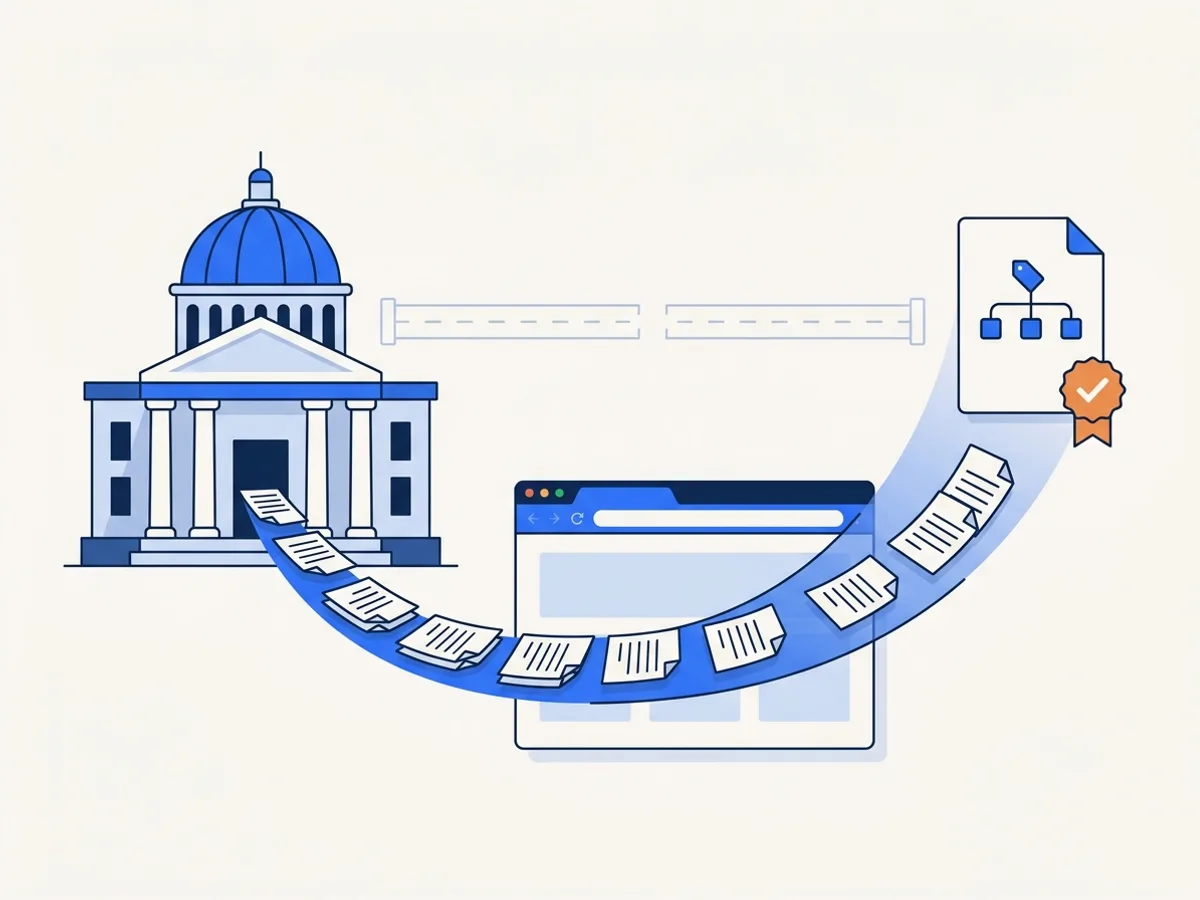
All of them publish your documents to a public website, and document monitoring crawls public websites. It finds what these systems publish, inventories it, checks every PDF, and lets you send a failing one into remediation from the inventory. Same outcome, different route:
| With a direct connector | With monitoring today | |
|---|---|---|
| Documents found | On publication | On the next scan: daily on Scale and Enterprise, weekly or monthly on other plans |
| Accessibility checked | Yes | Yes |
| Sent to remediation | Yes | Yes, from the inventory |
| Publishing the fixed file | You do it | You do it |
| IT setup required | Connector configuration | None. Verify the domain and start a scan. |
The difference is latency, not capability. And because these systems publish publicly, monitoring needs no credentials, no connector and no IT ticket. For a district with no IT department that is not a workaround; it is the shorter path.
Only what is public
Monitoring scans public pages on domains you verify. Draft packets kept behind a login in BoardDocs, Granicus or CivicClerk are not scanned; monitoring covers what you publish publicly.
Publishing stays with you
Monitoring never writes to your website or your agenda system. The replacement list pairs each original URL with its remediated file; you download the file and publish it in place of the original.
By request
Not available yet
These connectors cannot be connected today. We list them because people ask about them; we are not giving dates.
Built, not yet enabled
- SharePoint / OneDrive
- Google Drive / Workspace
The SharePoint and Google Drive adapters are written and tested, and switch on when the providers' app credentials are configured on our side. Until then a connection cannot be created, and we are not giving a date for that either.
Civic platforms
- Granicus / Legistar
- CivicPlus / CivicClerk
- BoardDocs
Monitoring covers what these systems publish today. See the section above.
Document stores
- Box
- Dropbox
Registered, not built. If the same files are synced to a folder on your network, the watch-folder agent can pick them up there.
Learning platforms
- Canvas
- Blackboard
- Moodle
Registered, not built. Course files that live only inside the LMS have to reach us another way: a webhook, the agent, or a public URL.
Content management
- WordPress
- Drupal
Registered, not built. Anything these publish to your public website is covered by document monitoring today.
Developers: there is no customer API yet beyond the signed ingest endpoint. The developer page has the ingest details and the API waitlist.
Which one do you need?
Tell us and we will let you know when it exists. What we build next is decided by how often it is asked for.
Where to reach you
For your security review
What your IT team will ask
Eight questions a public-sector security review asks about a vendor connection, answered here so you can forward the page instead of starting an email thread.
| Do you need write access to anything? | No. Connections read only. Nothing we run writes to your systems, your file shares or your website; you publish the verified file yourself. |
|---|---|
| Do we open a firewall port? | No. The watch-folder agent is outbound-only and opens no listening port. S3 and webhook ingest need no inbound access to your network at all. |
| What credentials do you get? | S3: an access key with read-only rights to one bucket and prefix. Webhook: a signing secret we generate and show once; you hold the copy. Agent: a token you create in the app, kept on our side only as a hash. Connection settings are encrypted at rest with AES-256-GCM and are never returned by our API. |
| Can we revoke access? | Any connection, any time, from the app. Disconnecting wipes the stored configuration and revokes its agent tokens in the same step, and the next request with a revoked token or a disconnected connection is refused. Rotating the bucket key on your side has the same effect. |
| Where are documents processed? | In the United States. DocoMatic is designed to process and store documents only in AWS US East (N. Virginia), with encrypted backups in AWS US West (Oregon). There is no Canadian region. Our production environment is still being set up, and the security page will state the deployed configuration once it is live. |
| How long are documents kept? | Per plan: 30 days on the free trial, 1 year on Starter, 3 years on Growth, 7 years on Scale, and as agreed in the contract on Enterprise. Automatic deletion at the end of these periods is not switched on yet; deletion on request is carried out by our operations team, with a record of what was removed. |
| Is there a DPA or a security review pack? | Our Data Processing Agreement is published. Written answers to common security-review questions, and our security policies, are available on request. No third-party penetration test has been performed yet, and the security page will say so when one has. |
| What happens if a connection breaks? | A failed sync is recorded on the run and on the connection with its error, and it is not retried on its own; you re-run it from the app once the cause is fixed. One failed file does not abort the rest of a run. The agent queues uploads locally and retries with backoff while our API or your network is unavailable. A failed run costs nothing, because importing never bills. |
Written to be forwarded
Every answer above is a statement about the connector code or our published security position, not a promise made for this page. Send the link to your reviewer as it is.
Two gaps, stated
Automatic deletion at the end of a retention period is not switched on, and no third-party penetration test has been done. We would rather you find both here than in a questionnaire.
One part of the platform
Connections feed documents into the document accessibility platform: the same pipeline, verification and reports as a manual upload.
One ingest path
How connections behave
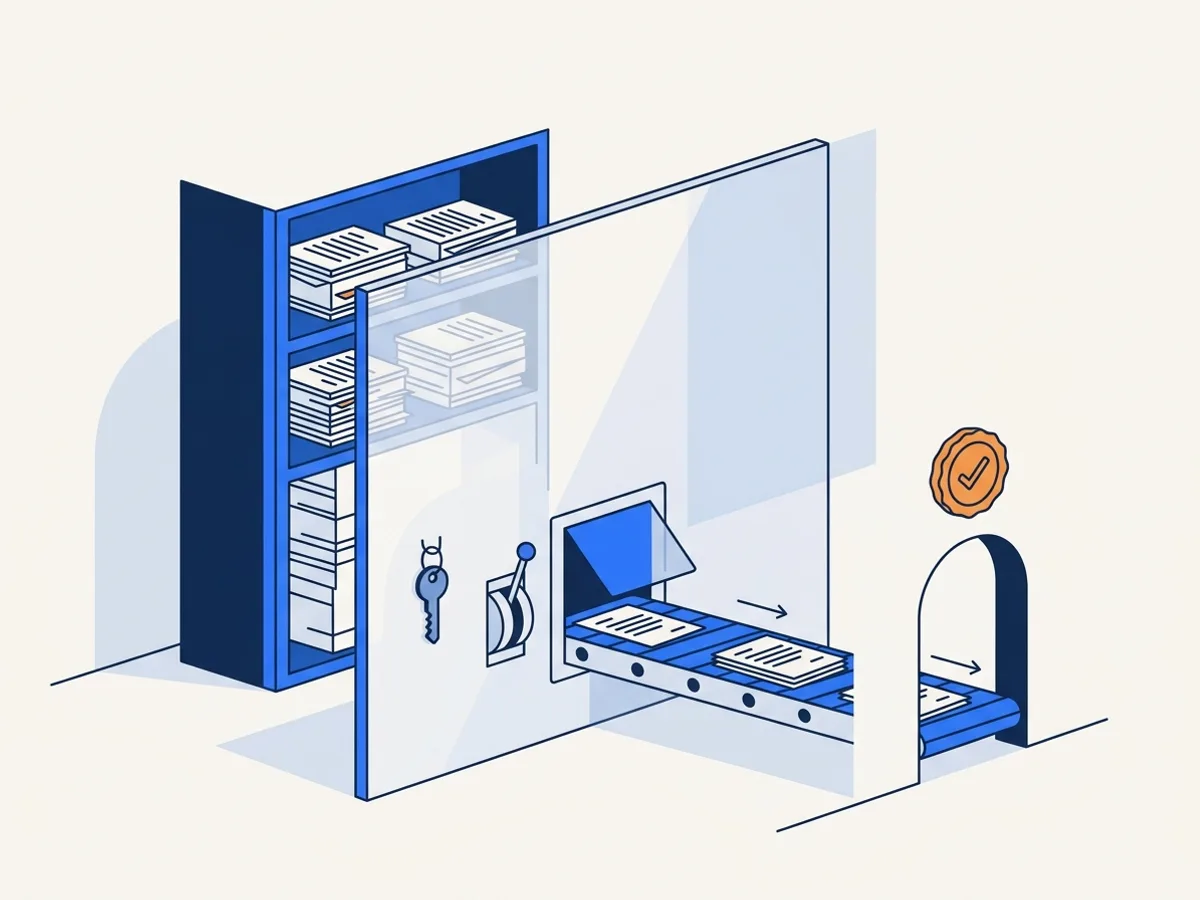
Five rules, the same for every connection, because every connector lands in the same ingest path.
| Scope | Each connection is scoped to what you configure: a bucket and prefix, a signing secret, or an agent token. There is nothing to widen later. |
|---|---|
| Deduplication | Files are recognised by fingerprint. An unchanged file is not imported twice; a changed file becomes a new version of the same document rather than a duplicate; a renamed file is not re-imported. |
| Accepted types | PDF, PNG and JPEG, the same as manual uploads. Anything else is refused at the door and never stored. |
| Remediate on ingest | Optional, per connection, off by default. Documents are imported, but nothing is remediated or charged until you turn it on and choose a level. |
| Direction | Read-only. Verified files are downloaded from the app with their verification report; nothing is written back. |
Deleted at the source, kept with you
When a file disappears from a bucket or folder, the connection records it as removed at source and leaves your document alone, so a clean-up on your file share never removes anything from your DocoMatic account.
Every sync and every push is listed in the connection's history in the app: what was listed, imported, replaced, unchanged, removed or failed, with the error when there was one.
On every plan
Connections are included
Connections are available on every plan, including the free trial. You pay per page remediated, exactly as with manual uploads.
Credits by level: 1 credit per page at Level 1, 4 at Level 2 and 30 at Level 3, and only for verified output.
Importing a document costs nothing. Point a connection at a bucket of forty thousand files and the import bills nothing. Credits are reserved only when a remediation is requested, which for a connection means only when remediate-on-ingest is on.
Every level is verified before delivery. You are not charged for a document that fails verification. See the guarantee.
Try it on the free trial
The free trial includes connections. Create one, import a few documents with remediate-on-ingest off, and see the analyzer's recommended level for each before spending anything. On the free trial, analysis covers up to 100 pages a month; paid plans are not capped.
Card payment opens with our billing launch. Today, plans and credits are arranged by quote and paid by purchase order.
FAQ
Frequently asked questions
Buying for a larger organization?
Book a 20-minute demo(opens in new tab)Can DocoMatic publish the fixed file back to our site?
We use SharePoint. What do we do today?
We publish through BoardDocs, Granicus or CivicPlus. Does DocoMatic work with those?
Does the watch-folder agent need a firewall change?
What happens if we point a connection at 40,000 documents?
Can we test without being charged?
Which connector should we use?
Connect a source
Connect your first source
Start a free trial and connect an S3 bucket, a signed webhook or a watch folder. Or tell us which system you need, and we will let you know when it exists.