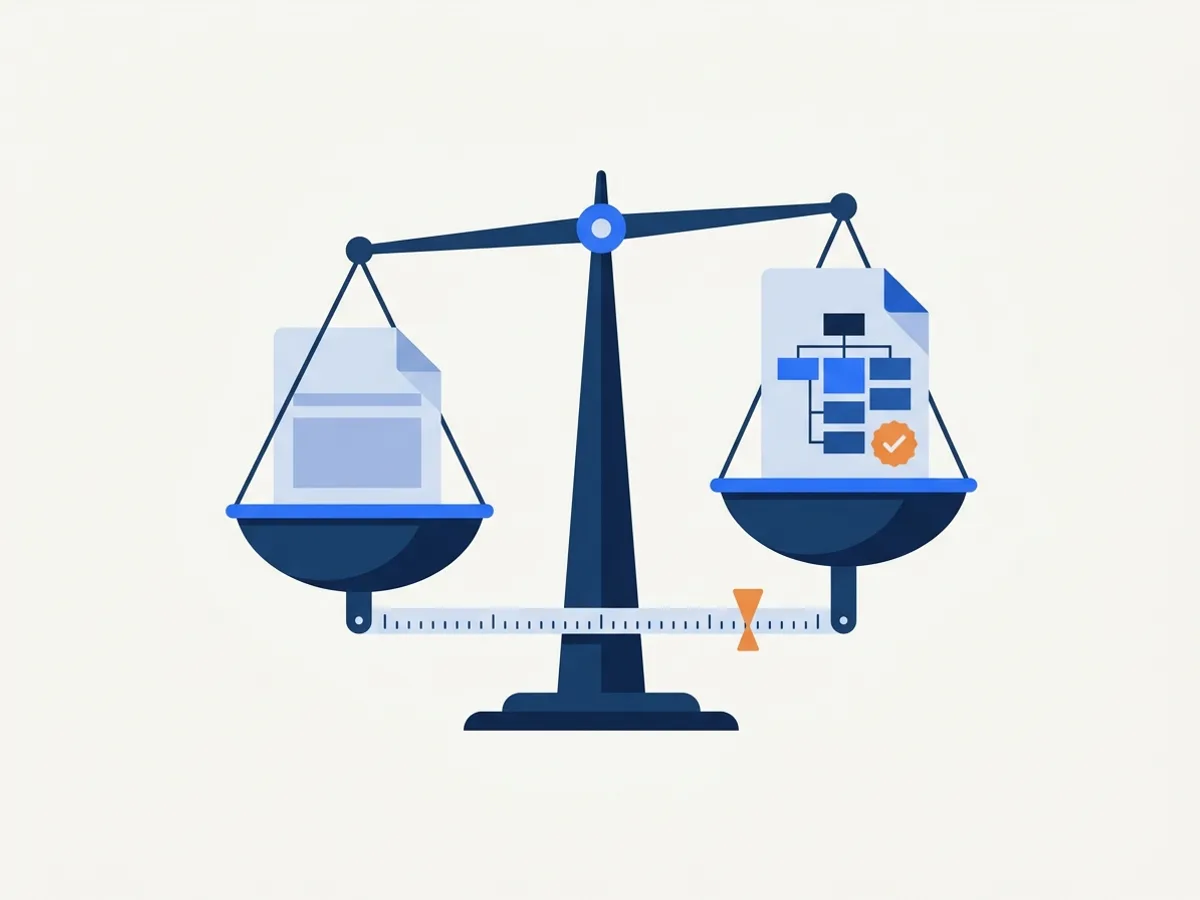
DocoMatic vs. Adobe Acrobat auto-tag
A factual comparison of DocoMatic's remediation pipeline and Adobe Acrobat's automatic tagging: what auto-tag produces, what still needs manual work, and when each fits.
Updated
Factual, dated comparisons of DocoMatic with the alternatives public entities actually evaluate — including where the alternative is the better choice.
Every claim about another product or approach is sourced to published material, linked and dated.
How we compare thingsA public entity with a document backlog has four real options: buy software, buy a service, do it in-house, or wait. Here is what each is genuinely good at, and where we have compared it.
| Option | Best when | Where we compare it |
|---|---|---|
| Automated remediation (DocoMatic) | A backlog at volume, with a verification report for every file and monitoring for what gets published next. | How verification works |
| Manual remediation services | Small volumes of very complex documents, or design-level rework where a specialist should touch every page. | DocoMatic vs manual remediation services |
| Acrobat auto-tag | One simple document, occasionally, fixed by someone who will check the result by hand. | DocoMatic vs Acrobat auto-tag |
| In-house remediation | You already employ an accessibility specialist and the backlog fits the hours they have. | Not yet written |
| Website accessibility tools | Your website needs work. Not a substitute for document remediation; most public entities need both. | Not yet written |
| Waiting | We have not found a case. The compliance dates are fixed, and a backlog only grows. | Not yet written |
Two so far. Each says what the alternative is best for, cites published material for every claim about it, and shows when it was last updated.
A factual comparison of DocoMatic's remediation pipeline and Adobe Acrobat's automatic tagging: what auto-tag produces, what still needs manual work, and when each fits.
Updated
A factual comparison of automated remediation with DocoMatic and traditional manual PDF remediation services: how each works, what each is best for, cost structure and turnaround.
Updated
A comparison written by one of the parties deserves scepticism. This is the standard we hold ours to, so you can check whether we kept it.
Every claim about another product or approach is sourced to published material, linked and dated. If they do not publish it, we do not assert it.
We do not estimate anyone else's prices. Where a vendor publishes no rates, we say only that: “publishes no public pricing” is a checkable fact, “costs more” is not.
Every comparison names at least one thing the alternative does better. If we cannot find one, the comparison is not finished.
Every comparison shows when it was published and when it was last updated, at the top of the page. A correction moves the date.
We claim no customer outcomes we have not had. DocoMatic is new. What we can prove is about us: published per-page rates, a named validator, veraPDF, and no charge for a document that fails verification.
Found something out of date or wrong? Tell us and we will check it against the source, correct the page and move the date.
A comparison is only checkable if the party writing it publishes its own facts. These are ours, each linked to the page that proves it.
| Vendor | Per-page pricing | Names its validator | States a failure policy | Publishes a sample report |
|---|---|---|---|---|
| DocoMatic | Yes: Published rates | Yes: veraPDF | Yes: No charge below threshold | Yes: Level 2 sample report (PDF) |
We compare DocoMatic with methods and categories, not with named companies. What sets us apart is provable without reference to anyone else, and a table you can check against public pages is worth more than one taken on trust.
Ask any vendor on your shortlist for the same four items. Each is a yes-or-no question with a link. If one of ours is ever out of date, tell us.
What a shortlist needs next: our rates, how verification works, and the two guides covering this ground.
Our rates, published in full: per-page credits by level, backlog packs and what is free.
What every document is validated against, which tool decides, and what the report contains.
The three tool categories for document accessibility, what each actually does, and how to combine them.
How to buy document accessibility software as a public entity: requirements, VPATs, pricing comparisons and contract terms.