Verification
Proof, not promises: a verification report on every file
Anyone can say a PDF is accessible.
DocoMatic scores every file, validates Level 2 and Level 3 output against PDF/UA-1 with veraPDF(opens in new tab) — an independent validator we did not write and cannot tune — keeps a version history of every document, and hands you the report.
It is written for the people who ask for evidence: records officers, auditors, ADA coordinators and opposing counsel. Verification is one part of the document accessibility platform.
The sample is the real output of our pipeline, generated from a synthetic test document. Neither link needs an account.
The report
What a verification report contains
Every document version produces its own report, downloadable as PDF and as JSON. These are the sections of the real one, in the order it prints them.
| Section | What it holds |
|---|---|
| Document identity | Filename, page count, remediation level, document version ID, and the timestamp the file was remediated. |
| Verdict | Whether the version met its level's threshold, in a sentence that names every condition and its result — and says plainly when a condition was not established. |
| DocoMatic Score, before and after | The score on the input and on the output, then each of the six categories with its weight, what it scored, and whether there was anything there to measure. |
| veraPDF result | The PDF/UA-1 verdict, the validator, the profile, how many rules passed, how many failed, and every failing rule. |
| Machine checks | Each structural check that ran, with its result on the original file and on the delivered file, side by side. |
| Matterhorn Protocol checkpoints | The PDF/UA failure conditions DocoMatic maps from its own checks, by checkpoint number, before and after. |
| What machines cannot verify | Everything decided by software and not confirmed by a person: inferred reading order, inferred heading levels, detected language, inferred table headers, low-confidence descriptions. |
| AI-generated content and human review | What, if anything, was machine-written, and whether a named reviewer signed the document off. "None" is printed as plainly as a name would be. |
| Changes applied | Every change made to the file, counted by kind, with substituted fonts and document properties named one by one. |
| Jurisdiction and notices | The rules the document was measured against, the not-legal-advice line, and the note that the report covers only the exact file it was bound to. |
| Appendices | Technical details — both file fingerprints, the threshold applied, the analyzer, score-engine and pipeline versions — and a glossary of every term used. |
The sample report
budget-000.pdf, 7 pages, Level 2. DocoMatic Score 40 → 100; veraPDF PDF/UA-1 passed with 106 rules and zero failures.
Generated from a synthetic test document, not a customer file. The report says so on its own first line.
The full change manifest — every modification, stage by stage — is a separate download from the document's version history.
What runs at each level
What machine validators actually check
Machine validators like PAC(opens in new tab) and veraPDF(opens in new tab) test the mechanics of PDF/UA: that a tag tree exists and is well-formed, that content is tagged or artifacted, that tables have headers, that the document declares a title and language, that fonts are embedded correctly.
| Level 1 | Level 2 | Level 3 | |
|---|---|---|---|
| Structural machine checks | On every file | On every file | On every file |
| Extracted text preserved byte for byte | On every file | On every file | On every file |
| DocoMatic Score (0–100) | Computed and reported | Computed; must reach 95 | Computed; must reach 95 |
| veraPDF PDF/UA-1 validation | Runs when the validator is reachable; reported for information, not part of the threshold | Required — zero failures | Required — zero failures |
| Threshold to be charged | Machine checks pass and the text is preserved | Machine checks pass, the text is preserved, the Score reaches 95, and veraPDF reports zero failures | Machine checks pass, the text is preserved, the Score reaches 95, and veraPDF reports zero failures |
The score is ours. The PDF/UA-1 verdict is not. That comes from veraPDF(opens in new tab), an open-source validator built by a consortium led by the Open Preservation Foundation and the PDF Association. We did not write it, we cannot tune it, and its verdict is what our billing is measured against.
Level 1 output is structurally checked and is not PDF/UA-1 validated: conformance is not part of the Level 1 threshold, and a Level 1 file carries no PDF/UA-1 claim. Where the validator is reachable its result is still recorded, marked as information rather than as a condition. PDF/UA-1 conformance starts at Level 2. See what each level does to a document.
Two validators, one standard
PAC and veraPDF: why we use one and not the other
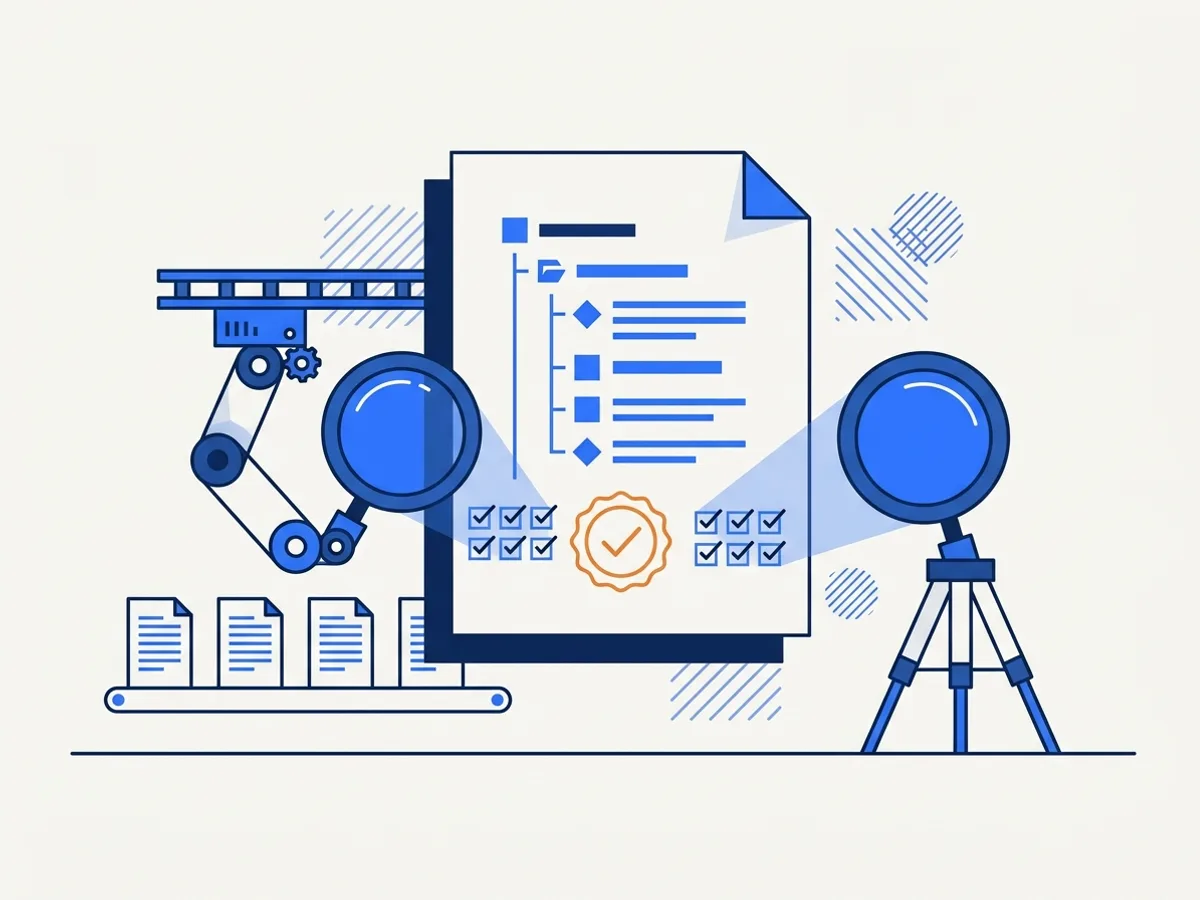
PAC(opens in new tab) (PDF Accessibility Checker) is a free validator published by axes4 in Zurich. veraPDF(opens in new tab) is an open-source validator built by a consortium led by the Open Preservation Foundation and the PDF Association. Both test a PDF against the machine-checkable requirements of PDF/UA-1.
We run veraPDF. We do not run PAC. They check the same PDF/UA-1 requirements — veraPDF is open source, scriptable and versioned, which is what lets us run it on every file automatically and record which validator produced which verdict, in a report you can hold up beside the file.
If your auditor asks for a PAC report, run PAC on our output yourself — it is free, and our files are built to pass the same requirements it tests. If it disagrees with our report, send it to us; that is a bug and we want it.
The DocoMatic Score
How the score is built
The DocoMatic Score is a 0–100 figure across the machine-checkable rules of PDF/UA-1 and WCAG 2.1 AA. It exists to give you one number to track across versions and across your whole inventory. These are the six categories it combines, and the weight each one carries.
| Category | Weight | What it measures |
|---|---|---|
| Structure | 30 | Tag tree present and well-formed, no untagged content, visible headings actually tagged as headings, headings starting at H1 and skipping no level, list items inside lists. |
| Text alternatives | 20 | Figures carry alt text; images that are only decoration are marked as artifacts so a screen reader skips them. |
| Tables | 15 | Tagged tables have header cells, and those headers are associated with the data cells they describe. |
| Forms | 15 | Form fields carry a description a screen reader can read out in place of the box. |
| Navigation and metadata | 10 | Document title set, viewers configured to show the title rather than the filename, bookmarks, tab order, the XMP PDF/UA identifier. |
| Language and fonts | 10 | The document declares its natural language, every font is embedded, and the text can be extracted. |
Forms is the only weight that ever moves. A document with no form fields has nothing to measure there, so those 15 points are shared across the other five in proportion. No other category is ever redistributed.
Three failures cap the total at 40 however the rest scores: no tag structure, no declared document language, or real content that is neither tagged nor marked as decoration. A file missing any of those is not close to usable, and a score in the nineties would say otherwise.
A category with nothing to measure counts as met, and the report says which ones those were. That cuts both ways, and we would rather you heard it here: the analyzer sees tagged tables, so a visual table that was never tagged as one is invisible to that category. Every report lists what could not be checked.
Two things we want to be plain about. The 95 threshold is a number we chose — no standard sets one. And the score is our measurement, not an independent one. That is exactly what the veraPDF verdict beside it is for.
The published sample is the worked example. It scores 40 before remediation — capped, because the file had no tag structure, no document language and untagged content — and 100 after. Its score page prints all six categories with their weights and rates.
Honest about the limits
What machines cannot check
No validator can tell whether alt text describes the right thing, whether the reading order makes sense to a person, or whether a form label matches what the field actually asks. A file can pass every machine check and still be unusable.
Three questions no validator answers
Does the alt text describe the right thing? A validator checks that a description exists, never what it says.
Does the reading order make sense to a listener? Software can check that an order exists; only a person can tell whether it is the order the document means.
Does a form label match what the field actually asks? A labelled field passes. A mislabelled one passes too.
How low confidence is flagged
Every machine-written image description carries a confidence figure. Below 0.5 the entry is marked as needing human review, counted in the report, and named rather than folded into a total. Low-confidence OCR is treated the same way.
Anything the pipeline inferred rather than read is listed beside it — reading order taken from layout, a heading level taken from font size and position, a language detected statistically, a table header taken from ruling lines — each one marked not human-reviewed. The sample report's list runs to seven entries.
That gap needs a person. The verification report lists what a machine could not verify, including low-confidence alt text, so you know where to look.
For human review, turn it on when you request a fix, or arrange it with our team. It is priced per page rather than bundled, because most documents do not need it and the ones that do are obvious from the report. All of it is one part of the document accessibility platform.
Version history
A version history for every document
Every document version keeps its own status, its scores and its report. This is what three versions of one document look like.
| Version | Date | Level | Score, before → after | veraPDF | Charged |
|---|---|---|---|---|---|
| v3 | Level 2 | 41 → 97 | Passed, zero failures | Yes — 4 credits per page | |
| v2 | Level 2 | 41 → 92 | 2 rules failed | No — credits released | |
| v1 | Level 1 | 41 → 88 | Not part of the Level 1 threshold | Yes — 1 credits per page |
Read the middle row. v2 missed its threshold and nothing was charged for it; v3 passed and was charged. The promise below this table is not a policy you have to take on trust — it is a row in the history of every document you send us.
Every version keeps its status, its scores and a change manifest recording what each pipeline stage modified. While a document is processing you can follow it stage by stage.
Compared honestly
How the rest of the market describes this
Most vendors in document accessibility describe validation in general terms — industry-leading compliance checkers
, comprehensive accessibility reports
, enterprise-grade validation
— without naming the validator, the profile it ran, or the threshold a file has to clear.
That is not necessarily dishonest. But it is not evidence, and the difference matters when someone asks you to produce some. No vendor is named here: those are category phrases, and the point does not need a target.
The table invites you to ask us the same five questions. It is only on the page because we can answer all five, and every answer is above it.
| Question your auditor will ask | Where our answer is |
|---|---|
| Which standard? | PDF/UA-1 (ISO 14289-1) and WCAG 2.1 AA. What runs at each level |
| Which validator, and what did it record? | veraPDF, with its profile, its rule counts and every failing rule printed in the report. What a report contains |
| Who chose the threshold? | We did, and we say so. How the score is built |
| What did it fail on? | Every failing rule, by number, in the report. What a report contains |
| Can I reproduce it? | Yes. Run PAC or veraPDF on our output yourself. PAC and veraPDF |
The no-charge promise
Below threshold means no charge
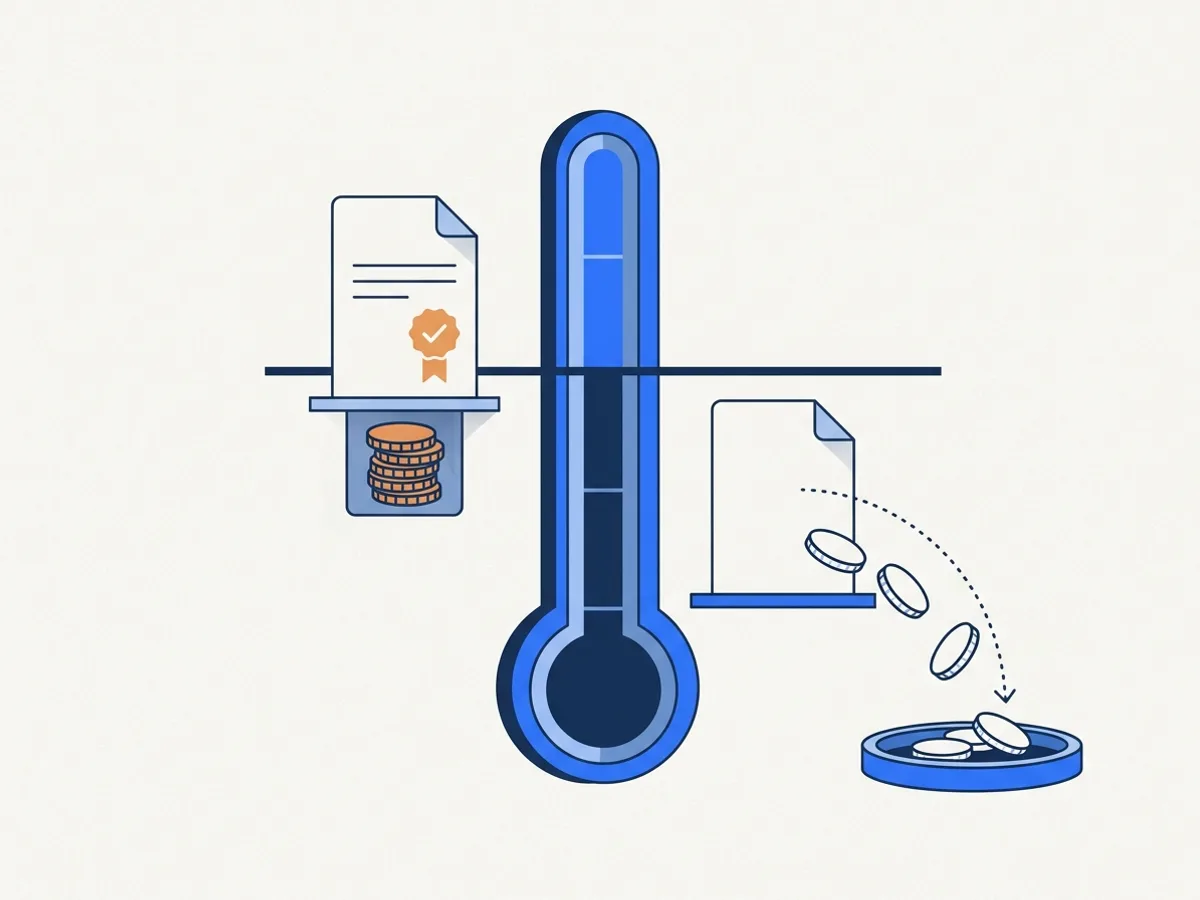
You are not charged for a document that fails verification.
Credits are reserved when a job starts. If a document version does not reach its level's threshold, the reservation is released automatically and you pay nothing for it. Re-run it, raise the level, or add human review — your choice.
The version history above shows this happening: v2 missed, v3 passed, only v3 was charged.
If the validator is unreachable
A validator that cannot be reached cannot condemn a file, and it cannot clear one either. The report is marked validation pending and re-queued, with a backoff, until veraPDF answers; the check then re-runs and the report is replaced. Until it does, a Level 2 or Level 3 version stays below threshold — nothing is charged, and nothing is marked verified without the validation its level requires.
The same report, as data
The same report, as JSON
Every report is available as JSON alongside the PDF, so you can store scores in your own records system or pull the inventory into a dashboard.
Abridged from the published sample report for budget-000.pdf
{
  "kind": "verification-report",
  "report_version": 2,
  "level": "L2",
  "document": {
    "source_name": "budget-000.pdf",
    "version_id": "v-d1b6ac39c32759aa-L2",
    "pages": 1,
    "sha256_after": "d82b7c3af7a85da220fb7aadf05d3f7a154b0f45299747ad16ead80b8fc382ba"
  },
  "scores": {
    "before": {
      "total": 40
    },
    "after": {
      "total": 100
    }
  },
  "verapdf": {
    "validator": "veraPDF",
    "profile": "PDF/UA-1",
    "status": "passed",
    "passed_rules": 106,
    "failed_rules": 0,
    "in_threshold": true
  },
  "machine_unverifiable": [
    "Reading order for 5 tagged element(s) was inferred from layout analysis (position, columns, flow); not human-reviewed."
  ],
  "credits": {
    "reserved": 4,
    "consumed": 4
  },
  "threshold": "L2: machine checks pass + text preserved + Score ≥ 95 + veraPDF PDF/UA-1 conformant",
  "verdict": "verified"
}
These are the real field names. The block is built from the published sample when this page is compiled, not transcribed from it, so what you read here is what you parse.
The full file adds the six score categories with their weights and rates, the Matterhorn checkpoints, the change-manifest summary, the font substitutions, the reviewer attestation, and the analyzer, score-engine and pipeline versions.
FAQ
Frequently asked questions
Not legal advice. DocoMatic publishes this as general information for accessibility, records and IT teams. For decisions about your entity's obligations, rely on the primary sources linked here and the DOJ materials at ADA.gov, and consult your attorney.
Buying for a larger organization?
Book a 20-minute demo(opens in new tab)What is a PAC report?
If a file passes veraPDF, is it accessible?
Can I share the verification report?
How does the no-charge policy work?
Which version of veraPDF do you run?
Why 95 and not 100?
Can our auditor reproduce your result?
Does a verification report prove ADA compliance?
What happens to Level 1 files?
Every file, checked before you get it
See what verification looks like
Read a full sample report first — it is the real output of our pipeline on a test document. Or run any PDF through the free checker to see the machine checks behind our scores.