Free tools · no account
How many documents does your website publish?
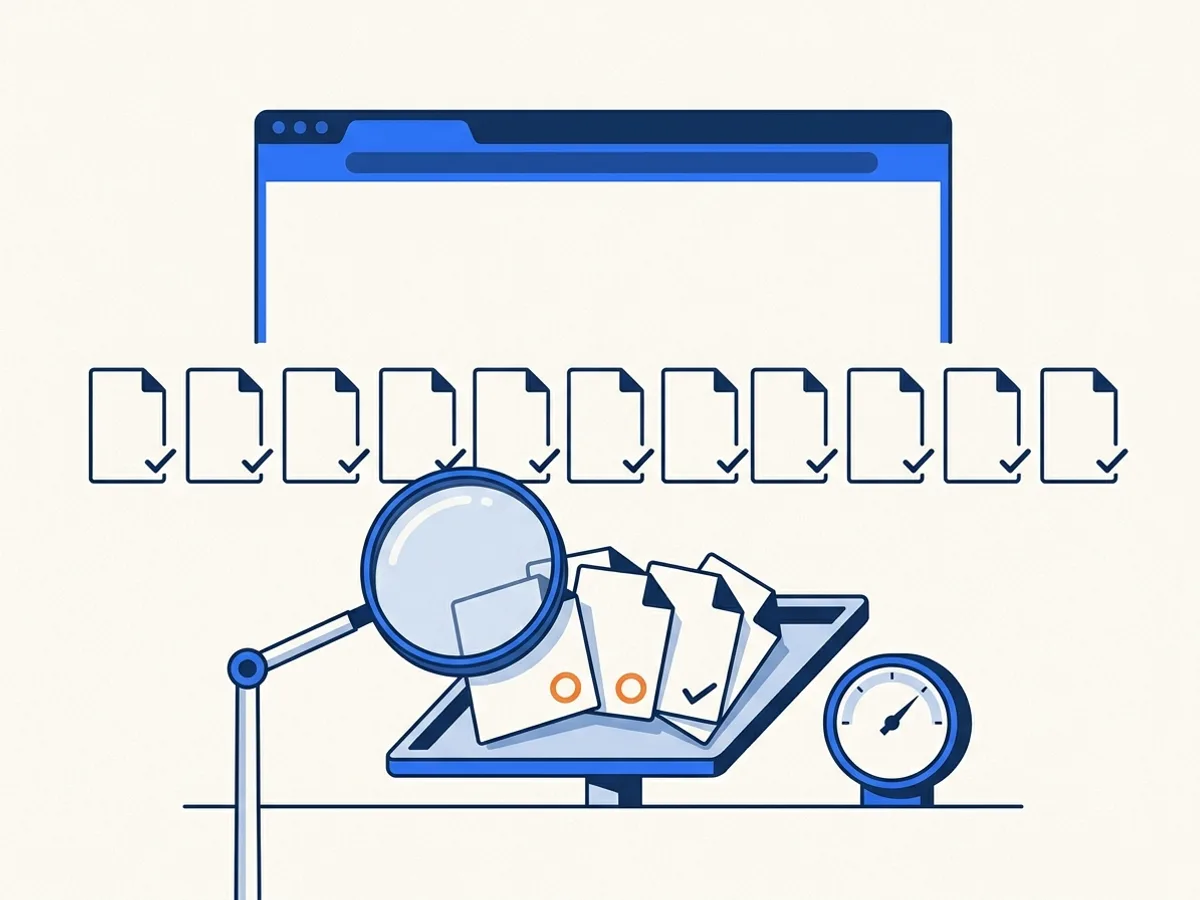
Most public entities cannot answer that. Enter your website address and we will crawl it and list every PDF, Word, PowerPoint and Excel file you publish.
A sample of the PDFs goes through machine accessibility checks, and we estimate what the backlog would cost to fix. Free, no account. Public pages only — we respect robots.txt and never log in.
You get the number without asking IT, without a ticket, and before anyone else knows you checked.
What comes back
What a scan gives you
The summary is free and needs no email: how many documents you publish, how a sample of the PDFs fares against the machine checks, and what the backlog would cost. Before you run one, this is a sample result. Run your scan above and this panel becomes yours.
Sample result
Illustrative rows, not a customer site
Documents found
4
3 PDF · 1 Office
PDFs checked
3
Highest risk first
Failing the machine checks
67%2 of 3 checked PDFs fail
Estimated cost
$46–$68
226 pages · 226 credits
| Document | Where it is linked | Type | Last changed | Checks | Risk |
|---|---|---|---|---|---|
| 2026-03-board-packet.pdf | Board of Trustees › Agendas | PDF, 214 pages | 12 March 2026 | Fails — untagged, no title, no language | High |
| permit-application.pdf | Permits › Forms | PDF, 4 pages | 8 January 2025 | Fails — form fields are not labeled | High |
| budget-worksheet.xlsx | Finance › Budget | Excel workbook | 19 February 2026 | Not checked — inventoried only | Medium |
| newsletter-spring.pdf | Communications | PDF, 8 pages | 2 April 2026 | Passes the machine checks | Low |
Every figure above is drawn from these four rows. Your scan shows your own documents by name: the full inventory, emailed as an accessible page and a CSV spreadsheet, lists every one of them.
Reading the figures
What the result means
Four figures, two of which need a caveat. Here is the whole answer, including the parts that flatter us less.
- Documents foundEvery PDF, Word, PowerPoint and Excel file linked from your public pages and sitemap, up to 3 clicks from the address you entered. Not a sample: the count is the count — up to the free scan's cap of 500 documents or 500 pages, at which point it is a floor and the result says so.
- PDFs checkedA sample, highest risk first: forms, recent publications, and anything linked from a main navigation page come before an archived newsletter. The free scan checks up to 8 PDFs and shows the first 5.
- Score, and the failing shareEach checked PDF goes through five machine checks drawn from WCAG 2.1 AA(opens in new tab) and PDF/UA-1(opens in new tab): a tag tree, a title, a language, no untagged images, labeled form fields. A fail means something structural is missing. The score is ours — a screen, not a certificate.
- Office files are inventoried, not checkedWord, Excel and PowerPoint files are counted and ranked but never accessibility-checked. There is no PDF/UA equivalent for a .docx, and we would rather count them honestly than show you a score we made up.
- A machine pass is not the same as accessibleNo validator can tell whether alt text means the right thing or whether a reading order makes sense to a person. A document that clears the five checks has passed the checks a crawler can run, nothing more. How verification works — and what a scan verdict is not.
Three doors
What to do next
Three doors. Once your result is in, the one that fits it is lifted.
If the number is bigger than you expected
That is the normal outcome. Backlog packs are priced for exactly this — a one-time clean-up of an archive, with 24 months to use the credits. You are not charged for a document that fails verification.
If you want to stop it growing
The scan is a snapshot. Monitoring re-runs it on a schedule, flags new and changed documents, and emails you when something new fails. Included on every plan, the free tier included.
If you need to show somebody
The inventory arrives as an accessible page and a CSV spreadsheet you can attach to a board or council packet — or hand each department its own list instead of owning the whole problem yourself.
Snapshot vs monitoring
This is a snapshot. Monitoring is the film.
The scan answers "how bad is it?" Monitoring answers "is it getting better?" — which is the question you will be asked second.
| This free scan | Document monitoring | |
|---|---|---|
| What it tells you | What is public today | What is public, and what changed since last time |
| How often | Once, on demand | Monthly on the free tier, weekly or monthly on Starter and Growth, daily, weekly or monthly on Scale and Enterprise |
| New documents | Not tracked | Flagged, with an email when something new fails |
| Remediation | Not connected | Send a failing PDF to remediation straight from the inventory |
| Cost | Free, no account | Also free — 1 domain on the free tier, no card |
This page is the one-time answer; document monitoring is the standing one. Every plan includes it, the free tier included — you pay per page only when you choose to remediate a document.
For your IT team
Is this safe to run on our site?
Written to be forwarded. If you would rather ask IT first, this table is the whole answer.
| Question | Answer |
|---|---|
| Will it slow our site down? | No. The crawler makes one request at a time, at least 2 seconds apart — or slower if your robots.txt sets a crawl-delay — and reads pages the way a search engine does. |
| Does it respect robots.txt? | Yes, always. A disallowed site is reported as blocked, not crawled anyway, and disallowed documents are left out of the inventory. |
| Will it log in or submit forms? | Never. Public pages only. It follows links and your sitemap; it does not fill in, click or submit anything. |
| Do you need credentials? | None. Nothing is requested and nothing would be used. |
| Will it show up in our analytics? | Yes, as crawler traffic identified by the user agent DocoMaticCrawler/1.0 (+https://www.docomatic.ai; [email protected]). Allowlist that string if you filter bots. |
| Do I need to own the domain? | Not to run the scan. It reads public pages, exactly as any visitor could. |
| What do you keep? | The address you entered and the scan report — the document links, their type, size and the sample scores — so a repeat scan of the same domain within 7 days returns the same result without crawling you again. Not the documents themselves: each file is downloaded, checked and discarded, and we never republish your documents. If you ask for the inventory, your email is kept as a lead under our Privacy Policy and we may follow up about your results; you can unsubscribe from those emails at any time. Scan data is deleted on request — contact us. |
Not the person who runs the website? You do not need to be. The scan reads public pages, exactly as any visitor could, and nothing about it reaches your IT team unless you forward it. If you would rather ask first, this table is written to be forwarded.
Limits and terms
The fine print
Want it to keep running? Create a free account for monitoring of 1 domain on a monthly schedule, plus 100 trial credits for 14 days at Levels 1 and 2. No card. Card payment opens with our billing launch. Today, plans and credits are arranged by quote and paid by purchase order.
- Up to 6 scans an hour per visitor address. One full crawl per domain every 7 days: a repeat scan of the same domain, by anyone, returns the finished result from that crawl.
- Each crawl reads up to 500 pages and lists up to 500 documents, following links up to 3 clicks from the address you entered. Larger sites are reported as a floor.
- Public domains only. The scan respects robots.txt and never accesses pages behind a login.
- Every document found is downloaded once to fingerprint it and estimate its pages, then discarded. Up to 8 PDFs are machine-checked, highest risk first; the first 5 are shown on the page and every checked score is in the inventory. Files over 25 MB, and links that no longer resolve, are left out.
- Word, Excel and PowerPoint files are inventoried and ranked, not accessibility-checked. Older binary formats (.doc, .xls, .ppt) are not tracked.
- We keep the address and the scan report, not your documents, and delete scan data on request.
FAQ
Frequently asked questions
Buying for a larger organization?
Book a 20-minute demo(opens in new tab)How does the website document scan work?
Will the scan affect my website?
Why do you need my email for the full list?
How long does a scan take?
What do I do with the result?
Do you check Word and Excel files?
We have more than 500 documents. What happens?
I don't run our website — can I still scan it?
Does a passing score mean our documents are accessible?
More free tools
Other free tools
One document, one budget, one date — each without an account.
After the free tools
Sized the job? Start on the documents.
The free trial takes your own documents through the same pipeline. If you would rather talk it through first, book a 20-minute demo.
100 free trial credits for 14 days: up to 10 documents of up to 25 pages each, at Levels 1 and 2, no card needed. You are not charged for a file that fails verification.