Document monitoring
Know every document on your site, and which ones fail
Most public entities cannot say how many PDFs they publish. DocoMatic builds a complete inventory of every PDF and Office document you publish.
Word, Excel and PowerPoint too. The PDFs go through machine checks drawn from WCAG 2.1 AA(opens in new tab) and PDF/UA-1(opens in new tab), on a schedule and on demand.
The first scan sets your baseline and tells you the number nobody in the building currently knows. Every scan after it emails you what is new, changed or newly failing.
The scan needs no account. Office documents are inventoried and ranked, but not accessibility-checked.
Who it’s for
Is this you
Monitoring is where most entities start, because it answers the question that has to come first.
- You have been asked how many PDFs are on your website and you had to guess.
- Documents are published by six departments through four different systems.
- Somebody uploaded a board packet last Tuesday and nobody checked it.
- You need to show a council, a board or a complainant that the number is going down.
If you already know your inventory and just need the backlog cleared, go straight to bulk PDF remediation. Monitoring and remediation are two parts of the document accessibility platform, and most entities start here. See what that looks like for school districts and for cities and counties.
The problem
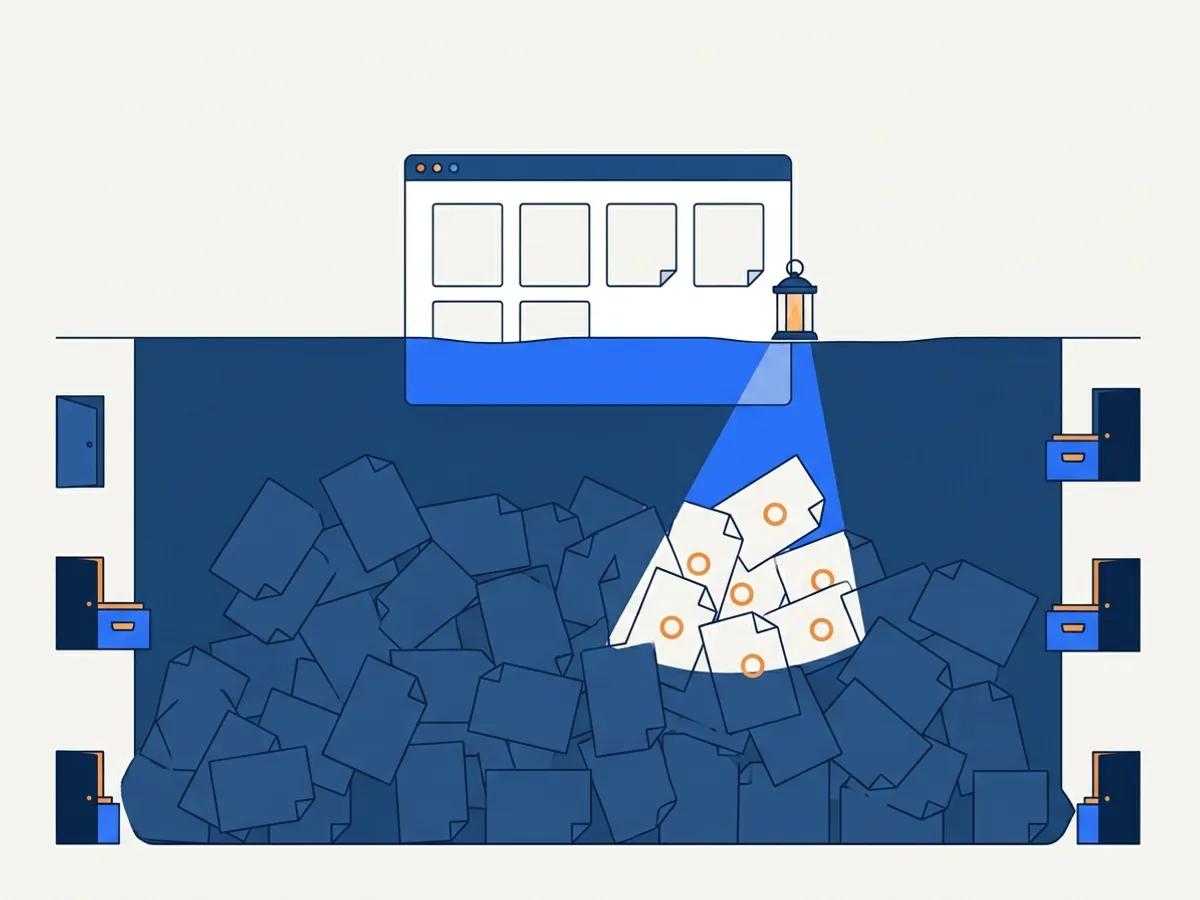
You cannot fix documents you cannot see
Web teams track pages. Documents accumulate somewhere else entirely.
Web teams track pages, but documents accumulate everywhere: agenda uploads, department subsites, legacy folders nobody owns. Most organizations discover their real document count — and failure rate — only after a complaint or an audit.
Run a free scan of your website's documents to see your inventory: how many documents are public, and how many of the PDFs fail the basic accessibility checks.
The inventory
What a scan gives you
Once a domain is verified, a scan gives you a table like this one and a CSV of it. The rows below are illustrative, not a customer site.
| Document | Where it is linked | Type | Last changed | Checks | Risk |
|---|---|---|---|---|---|
| 2026-03-board-packet.pdf | Board of Trustees › Agendas | PDF, 214 pages | 12 March 2026 | Fails — untagged, no title, no language | High |
| permit-application.pdf | Permits › Forms | PDF, 4 pages | 8 January 2025 | Fails — form fields are not labeled | High |
| budget-worksheet.xlsx | Finance › Budget | Excel workbook | 19 February 2026 | Not checked — see below | Medium |
| newsletter-spring.pdf | Communications | PDF, 8 pages | 2 April 2026 | Passes the machine checks | Low |
The whole inventory downloads as CSV, and a failing PDF carries a button that sends it to remediation. You choose which documents go; nothing is sent, or billed, because a scan found it.
Find → judge → act
How monitoring works
Six steps, in three phases. None of them needs an accessibility specialist on your staff.
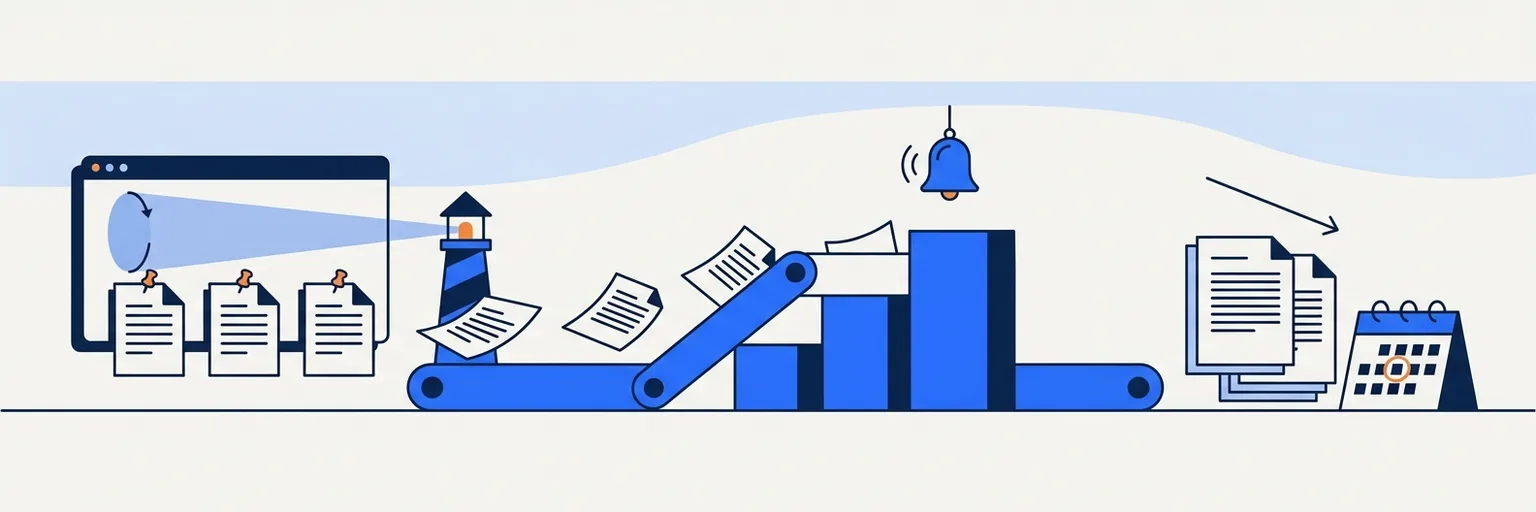
Find
Discover what is public
1. Scheduled and on-demand scans
Your verified domains are re-scanned on a schedule — monthly on the free tier, weekly or monthly on Starter and Growth, daily, weekly or monthly on Scale and Enterprise — and whenever you press Scan now. Scans follow sitemaps and links to downloadable documents, and they obey your robots.txt.
2. Full inventory
Every PDF, Word, Excel and PowerPoint file found is cataloged with its location, size, page estimate and content hash. Only PDF, PNG and JPEG files can be sent to remediation.
Judge
Work out what matters, and tell you
3. Ranking and checks
Every document is ranked so you know what to fix first, and the PDFs go through the machine checks. How ranking and checks work
4. New-document alerts
The first completed scan of a domain is your baseline and sends no alerts. After that, new, changed, removed and newly failing documents become alerts, and one email digest goes to the account owner.
Act
Fix it, and prove you fixed it
5. Send a document to remediation
Send a failing PDF from the inventory into the remediation pipeline, then download the verified file and publish it in place of the original yourself.
6. Monthly report
A monthly report per domain in the dashboard — inventory, failing share, document changes, alerts and remediation progress — with the inventory downloadable as CSV.
What a scan checks
What “fails” means, and how documents are ranked
The page this replaces promised in its headline to tell you which documents fail, and never once said against what. Here is the whole answer, including the parts that flatter us less.
What a scan checks
Every PDF a scan reaches goes through five machine checks, drawn from what WCAG 2.1 AA(opens in new tab) and PDF/UA-1 (ISO 14289-1)(opens in new tab) require of a document:
- It has a tag tree, so a screen reader has a structure to read.
- It declares a document title.
- It declares a language.
- Its images are tagged rather than left as untagged content.
- Its form fields are labeled.
A scan is a screen, not a validation. It tells you at scale which documents are plainly unusable. A document that clears all five is not therefore PDF/UA conformant — it has only passed the checks a crawler can run.
Who decides, and when
The scan verdict is ours. veraPDF(opens in new tab) — the independent open-source validator maintained by the PDF Association and the Open Preservation Foundation — is not run during a scan. It runs later, on the remediated file, from Level 2 up, and its verdict is what a verification report carries.
So these are two different numbers, and we would rather say so than let you assume they reconcile. A scan tells you where to start. Remediation and its report tell you whether a document actually passed. Level 1 is not PDF/UA-validated at all.
What is not checked
Word, Excel and PowerPoint files — .docx, .xlsx and .pptx — are inventoried and ranked, but never accessibility-checked. There is no equivalent of PDF/UA for a .docx, and we would rather say that than show you a score we made up. The older binary formats, .doc, .xls and .ppt, are not tracked at all.
How the ranking works
Rank is a prioritization order, not a grade. It is built from three things a crawler can observe:
Rank decides which PDFs are checked first when a scan reaches its per-plan checking limit, and the order your alerts arrive in. It is our ordering, not a standard, and we do not present it as one.
- Type
- A form residents must complete outranks an archived newsletter.
- Placement
- A document linked from a main navigation page outranks one buried three levels down.
- Recency
- A document published or changed in the last 90 days outranks one dormant for years.
The monthly report
A monthly report you can hand on
The inventory sells the first scan. The line going down is why a clerk is still paying in month seven.
Illustrative figures. Across 6 monthly reports the failing share falls from 62% to 21%. That is the shape you are trying to produce, and the report is where you show somebody that you produced it.
Each monitored domain gets a monthly report in the dashboard: total documents, the share that fail, what was new, changed or removed, alert activity and remediation progress. The per-document inventory downloads as CSV. The report is data in the dashboard plus that CSV — a rendered, accessible PDF edition of it is not built yet.
What it is for. It documents your progress against a deadline in a form you can attach to a board packet or hand to counsel.
It is a record of what you did, not a legal opinion and not a certificate: no government body certifies documents as accessible, and we do not issue certificates. Not legal advice. For decisions about your entity's obligations, rely on the primary sources, on what the standard actually requires and on the DOJ materials at ADA.gov, and consult your attorney.
Honest about the limits
What monitoring doesn't cover
Stated plainly, so you can rule us in or out quickly.
Nothing behind a login. We scan public pages on domains you register and verify, and we stop where your robots.txt tells us to. Intranets, staff portals and member areas are not scanned.
Office documents are inventoried, not checked or remediated. Only PDF, PNG and JPEG files can be sent to the remediation pipeline.
Not your website's own accessibility. We handle the documents you publish, not the pages around them. If the site itself needs work, you need a different tool alongside this one.
Alerts go to the account owner. One email digest, one recipient. A signed webhook can carry the same alert into your own systems — see integrations — but per-user alert routing is on the roadmap and not shipped. Forward the digest for now.
Scan coverage is capped per plan. On the free tier a scan inventories up to 500 documents and machine-checks the 50 highest-ranked PDFs among them. Both caps rise with the plan, and from Growth up every PDF found is checked. See the limits by plan.
We never write back to your website or your CMS. You publish the replacement file yourself, which is also the answer to the first question your IT department will ask.
Included in every plan
What's included, by plan
Monitoring is in every plan, the free tier included. These are the numbers rather than the adjectives.
| Monitoring limit | Free tier | Starter | Growth | Scale | Enterprise |
|---|---|---|---|---|---|
| Monitored domains | 1 | 1 | 3 | 10 | Unlimited |
| Re-scan schedule | Monthly | Weekly or monthly | Weekly or monthly | Daily, weekly or monthly | Daily, weekly or monthly |
| Documents inventoried per scan | 500 | 2,000 | 5,000 | 10,000 | 20,000 |
| PDFs machine-checked per scan | 50 | 200 | Every PDF found | Every PDF found | Every PDF found |
| Email alert digest | Included | Included | Included | Included | Included |
| Monthly report and CSV | Included | Included | Included | Included | Included |
Finding and watching are free. You pay per page only when you choose to send a document to remediation.
Found → fixed
From found to fixed
The loop most entities run. Five steps, two of which are yours.
1. Scan
Verify a domain and get the inventory. Free, one domain, no card.
2. Triage
Sort by rank and decide what has to be fixed before your compliance date. Estimate what it costs before you commit to anything.
3. Remediate
Send failing PDFs into bulk PDF remediation from the inventory. You are not charged for a document that fails verification. See the guarantee. A named reviewer can check the result too: turn it on when you request a fix, or arrange it with our team.
4. Publish
You do this step. The replacement list pairs each original URL with its remediated file, its score and its verification report, as a table and as a CSV. Download the file and publish it in place of the original. We never touch your website.
5. Prove
The next scheduled scan finds the new file and shows it passing, and the monthly report shows the failing share going down.
Monitoring and remediation are two parts of the document accessibility platform. The loop runs at whatever cadence your plan re-scans at, and you decide what enters it.
FAQ
Questions people ask before the first scan
Buying for a larger organization?
Book a 20-minute demo(opens in new tab)What does the crawler cover?
How often are my domains scanned?
What happens when a new document appears?
Can I show this to a board or a council?
What do you check documents against?
Do you check Word and Excel files?
Will the scan slow my website down?
Can more than one person get the alerts?
How many documents will you find on a site like mine?
Start with a count
See your document backlog
The free scan shows what is public and what fails, before you commit to anything. One domain, no card.