accessiBe vs PDF remediation: what you are actually comparing
A website widget and document remediation are different work. What accessiBe's own documentation says about PDFs, and how to verify a remediated file.
By Rakesh Patel
Published September 22, 2026 · Updated September 22, 2026
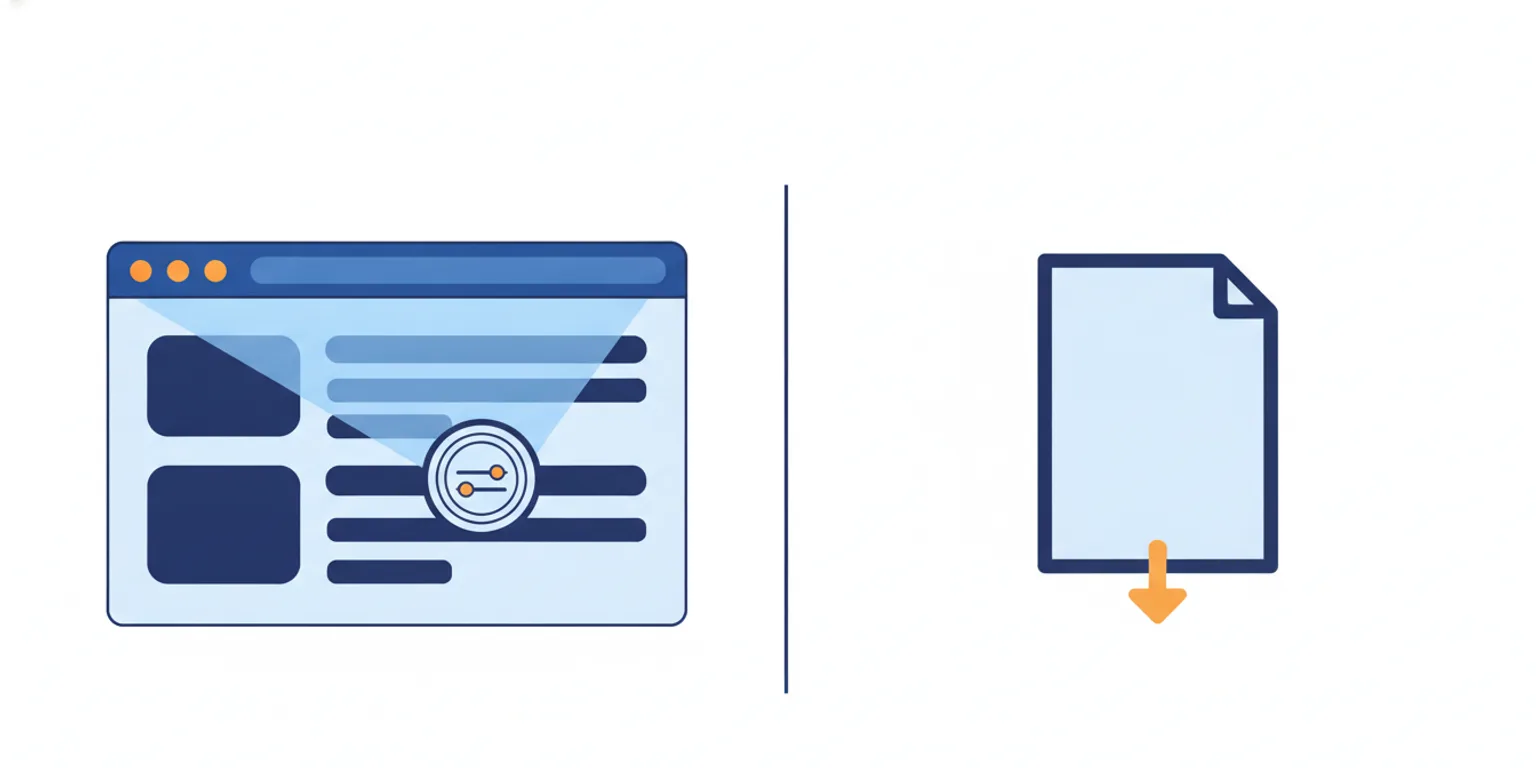
accessiBe(opens in new tab) is a website accessibility company best known for its widget, accessWidget. PDF remediation is the work of fixing a document's tag structure, reading order, alt text, tables and fillable forms so that a screen reader can read it and it meets WCAG 2.1 AA and PDF/UA. Those are not two options for the same job. Remediation is the job; accessiBe is one of several vendors — alongside manual work in Adobe(opens in new tab) Acrobat — that can do it, through a service separate from the widget.
If you run a special district, April 26, 2028 is on your calendar and vendor names blur together quickly. This page is factual and dated (last updated 22 September 2026); every claim about another company is cited to that company's own published page, with the date we checked it.
What is PDF remediation?
PDF remediation corrects a document's internal structure so assistive technology can read it. The work happens on the file, not on the website that hosts it. The tasks are the same whoever performs them:
- Tag structure — the invisible labels that tell a screen reader what each element is.
- Reading order — the sequence in which content is read aloud.
- Alt text — short descriptions of images.
- Tables — structured so rows and columns are announced correctly.
- Fillable forms — every field given a name and a label.
Three ways the same work gets done
- Manual. An operator opens each file in Adobe Acrobat and adds tags, reading order, alt text and table and form structure by hand. Acrobat Standard is published at US$14.99 per user per month, billed annually, as of 22 September 2026 (Adobe's published Acrobat pricing(opens in new tab)). Adobe sells a tool, not an outcome: no service, no attestation, and no conformance claim on your finished file.
- Semi-automated. Software does the bulk work and a person corrects what it could not. This is how most remediation services operate, and it is usually priced by quote.
- Automated, then independently verified. Software performs the tagging and structure, then a validator checks the file against the standard and reports pass or fail. The check is the part that matters: it is what turns "we remediated it" into something you can hand to counsel.
Where accessiBe fits
accessWidget is an automated overlay that adjusts a site's front end. By accessiBe's own documentation, it "does not make Word documents or PDF files accessible, since they are not part of your site's source code" (accessiBe's own help centre on accessWidget's limitations(opens in new tab), verified 22 September 2026).
accessiBe does remediate documents — through a separate file accessibility service. On its own page, that service uses AI to automate the first pass on a PDF and then has its team review and adjust the result (accessiBe's own file accessibility service page(opens in new tab), verified 22 September 2026). So the accurate framing is: accessiBe is a website-widget company that also runs a document service, and it is the service, not the widget, that would touch your PDFs.
Why the site and the documents are separate problems
Someone who downloads your board packet opens the PDF, not your website. Whatever the widget does in the browser, the file arrives exactly as it was uploaded. If it was an untagged scan, it stays an untagged scan.
That is the category confusion behind most searches that pit a web accessibility tool against remediation: web tools change what a page does in a browser; document remediation changes what a file contains. The scope that decides your exposure is the files — the packets, agendas, budgets and permit forms your organization actually publishes.
Where automated remediation reaches its limit
Automation handles well-structured documents reasonably well and struggles with the parts that matter most: complex tables, fillable forms and reading order. That is not a vendor's opinion; it is in the federal record. When the Department of Justice moved the Title II compliance dates, it wrote:
Advanced technology, such as generative AI, does not yet reliably automate the remediation of inaccessible content at scale, and staff resources and availability continue to pose significant challenges.
— the DOJ's interim final rule extending the Title II compliance dates(opens in new tab), 20 April 2026 (91 FR 20902)
The practical consequence is that reliable remediation needs either human review of the hard files or independent verification against the standard — usually both. Any vendor claiming otherwise, us included, should be asked for the validator's output.
How DocoMatic does it, and what we verify
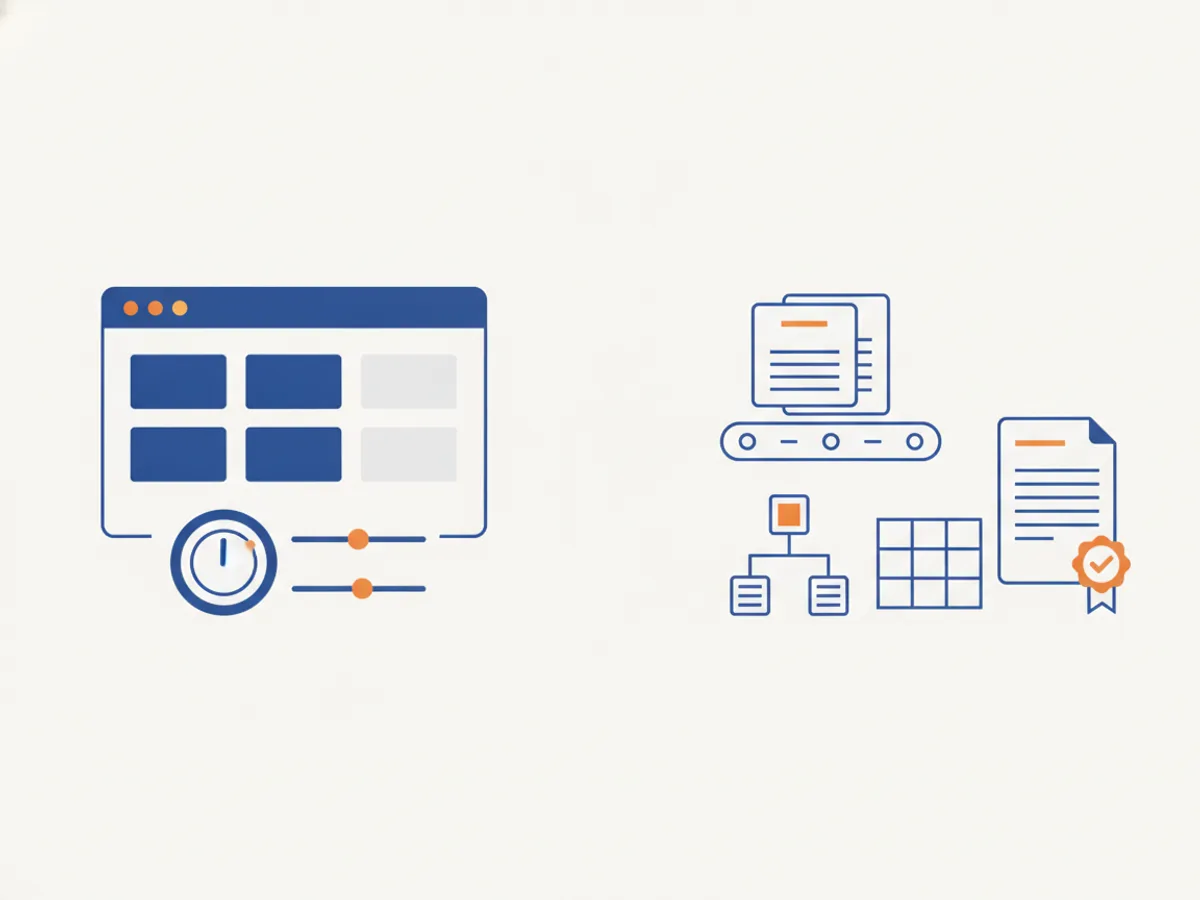
DocoMatic automates the tag structure, reading order, alt text, table and form work, runs veraPDF(opens in new tab) PDF/UA-1 validation at Levels 2 and 3, and returns a downloadable verification report with each file. Level 1 covers plain-text documents and does not run PDF/UA validation — a distinction worth making, because "we validate every file" is a claim we cannot make and neither can anyone else without saying at what level.
What it does with a backlog:
- Finds the files. It crawls your domains and inventories every public PDF, rather than waiting for you to upload them.
- Remediates to WCAG 2.1 AA and PDF/UA — tags, reading order, alt text, tables, fillable forms — with human review available for documents that need a person.
- Verifies with veraPDF at Levels 2 and 3, producing a report and a score with version history.
The prices are published rather than quoted: Level 1 is 1 credit per page, Level 2 is 4, Level 3 is 30, human review adds 10 at any level, and OCR adds 2 at Level 2 and is included at Level 3 (our published pricing). A file that does not reach its level's verification threshold is not charged, and the reserved credits are released automatically.
Before comparing any vendor's price you need a page count, so scan your public documents for free to size the backlog.
The axes that decide a procurement conversation
Prices below come only from each vendor's own published page, with the date we checked.
| Manual in Acrobat | Service vendors | DocoMatic | |
|---|---|---|---|
| Named validator | None | None named on their pages | veraPDF PDF/UA-1, Levels 2–3 |
| If a file fails | Your staff time | Priced by quote | Not billed; credits released |
| Published per-page price | No — tool licence only [1] | No — by quote [2] [3] | Yes — 1 / 4 / 30 credits [4] |
| Finds your backlog | No | Varies | Yes — crawls your domains |
- Acrobat Standard is US$14.99 per user per month, billed annually, as of 22 September 2026 — a licence, not a per-page price (Adobe's published Acrobat pricing(opens in new tab)).
- Equidox(opens in new tab) publishes no prices and sells by quote, as of 22 September 2026 (Equidox on remediation pricing(opens in new tab)).
- Continual Engine(opens in new tab) publishes no prices and sells by quote, as of 22 September 2026 (Continual Engine's PREP page(opens in new tab)).
- Level 1 is 1 credit per page, Level 2 is 4, Level 3 is 30; human review adds 10, OCR adds 2 at Level 2 and is included at Level 3 (our published pricing(opens in new tab)).
Where a competitor does publish a price, it deserves to be stated plainly: CASO Comply(opens in new tab) publishes US$0.30 per page on its Level 1 Standard Accessibility plan, US$1.80 at Level 2 and from US$12.00 at Level 3, as of 22 September 2026 (CASO Comply's published per-page pricing(opens in new tab)). Published pricing is no longer the differentiator. What happens to the failed file is.
A note on compliance claims
Compliance is a legal determination, not something software confers. That distinction has teeth: the FTC issued a $1 million order against accessiBe in a matter over claims that its AI tool could make any website WCAG-conformant — announced 3 January 2025 and finalized 22 April 2025 (the FTC's order against accessiBe, matter 2223156(opens in new tab)).
We draw the obvious lesson for ourselves: DocoMatic reports independent PDF/UA-1 conformance per file and does not tell you that you are compliant. Ask every vendor, including us, which standard is checked, by which validator, and what the report says when it fails.
Which approach fits your backlog
- A handful of documents, once. Adobe Acrobat is the honest default — a tool, no service, no attestation, no conformance claim.
- A large inventory of your own files. Thousands of board packets, budgets and permit forms already published, with more each cycle, will outrun a one-time cleanup. Discovery plus verified remediation keeps the whole inventory accounted for, not only the files someone remembered to upload.
- Files that genuinely need people. Manual remediation specialists remain the right answer for the most complex documents; verified automation should offer human review for those rather than pretend automation covers them.
For a special district with a few thousand PDFs and no accessibility staff, the deciding question is usually whether the work can be sized and budgeted at all — which is why a crawl and a published price matter more than a feature list. If you want the deadline that applies to your own organization, the deadline directory lists it by state and organization.
We keep this page factual and current, and every claim about another company above is cited to that company's own published page with the date we checked it. If you represent accessiBe or any vendor named here and believe anything misstates your offering, tell us through our contact form and we will review promptly. General information for accessibility, records and IT teams — not legal advice; check the primary sources cited above, the DOJ's ADA.gov guidance and your own counsel before acting on your obligations.
Frequently asked questions
- Does accessiBe's widget make our PDFs accessible?
- No. accessiBe's own help centre states that accessWidget does not make Word documents or PDF files accessible, because those files are not part of a site's source code. accessiBe sells document remediation as a separate service, which by its own description uses AI for the first pass and then human review.
- What kinds of documents do special districts most often need remediated?
- Board packets, agendas, budgets and permit forms — the files a screen-reader user downloads rather than reads in a browser. They commonly contain complex tables and fillable fields, which are the elements automated tools handle least reliably. A useful rule: if a document has a data table wider than three columns, or any fillable field, treat it as one that needs a human check before you trust a pass.
- Is an accessibility widget useless then?
- No — it addresses a different surface. A widget changes what a page does in a browser; document remediation changes what a file contains. An organization whose obligation covers both a website and thousands of published PDFs has two pieces of work, and one tool does not cover the other.
- How do we check that a remediated file is actually conformant?
- Ask for the validator's name and its output per file, not a compliance claim. veraPDF is an open-source validator for PDF/UA-1 and its pass or fail is checkable by anyone. DocoMatic runs veraPDF PDF/UA-1 validation at Levels 2 and 3 and returns the report with each file; a file that does not reach its level's verification threshold is not charged.