The most dangerous thing about OCR is that it never looks unsure. Feed it a crisp 2019 staff report and it returns clean text; feed it a faxed 1987 ordinance and it returns text with the same confident formatting — some of it wrong. For public entities staring at decades of scanned minutes and records, knowing when OCR helps and when it lies is the difference between an accessible archive and a plausible-looking one.
Why does a scanned PDF fail every accessibility check?
Because a scan is a photograph of paper. There is no text for a screen reader to read, nothing for search to match, no structure to navigate — and no amount of tagging fixes a page with no text layer. Every scanned document fails the text-alternative requirements of WCAG 2.1(opens in new tab) until OCR or re-creation gives it real, correct text.
This includes the deceptive middle case: "searchable" scans with a hidden text layer from a copier's built-in OCR. The page looks the same, search sort of works, and the text layer underneath may be full of errors nobody has ever read.
When does OCR help?
On clean, modern, machine-printed pages, OCR is the honest first step and a very good one. Recognition on a well-scanned laser-printed document is accurate enough that the recognized text can carry everything built on top of it: tagging, reading order, metadata, search. In a remediation pipeline OCR runs first, and the rest of the work stands on the text it produces — which is exactly why its quality caps the quality of everything after it.
If your scanned material is mostly recent — board packets scanned for convenience, signed letters, printed-and-scanned staff reports — OCR plus normal remediation will recover most of it well.
When does OCR lie?
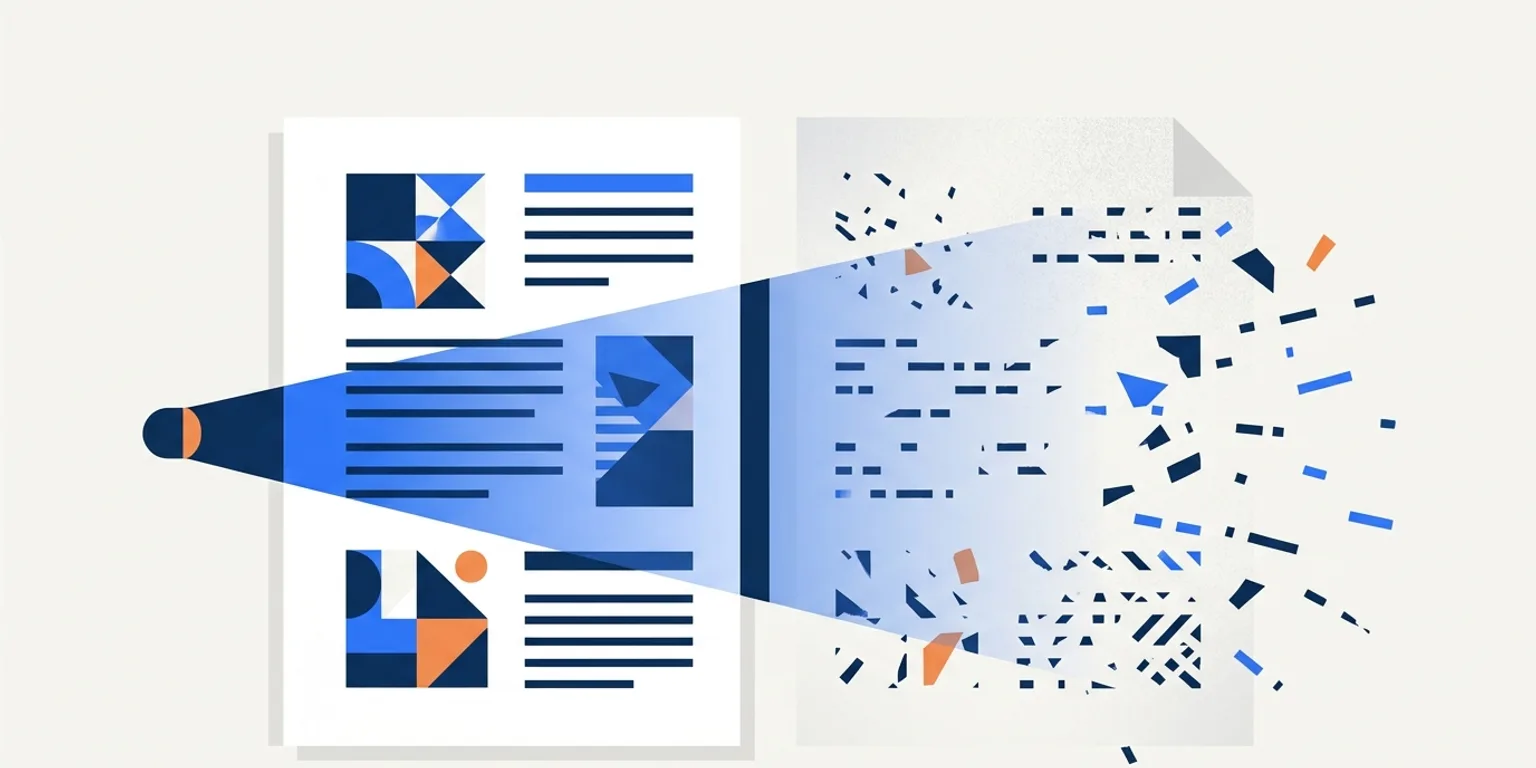
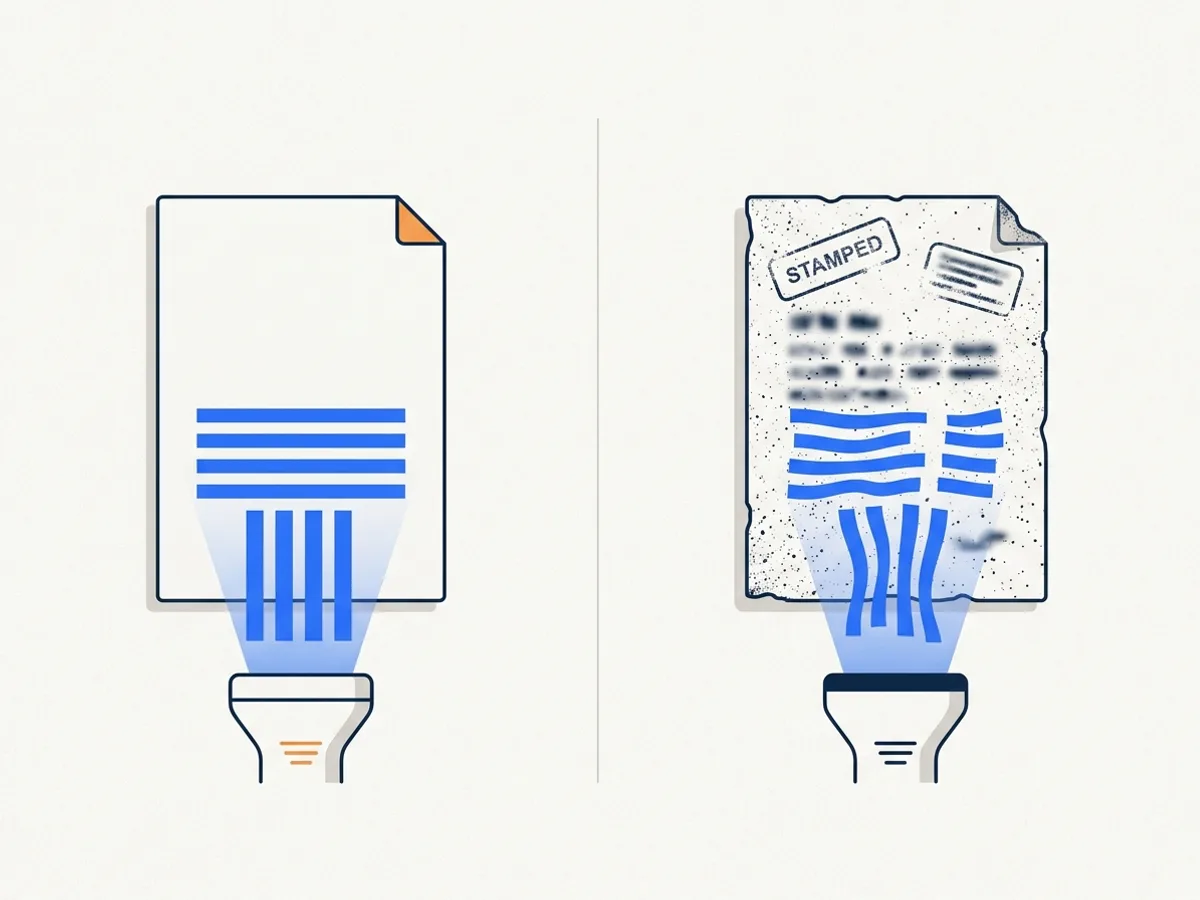
When the source degrades, OCR degrades — but silently. Research on large-scale digitization found that OCR accuracy on historical and archival material varies enormously with the source, dropping far below usable on poor originals (Holley, D-Lib Magazine, 2009(opens in new tab)). The classic offenders in public archives: faxed copies, stamps and handwriting over text, low-resolution microfilm prints, tight multi-column layouts, and tables whose rows dissolve into word soup.
The failure mode is not gibberish — gibberish would be easy to catch. It is a date read as 1998 instead of 1993, a dollar amount missing a digit, a name confidently misspelled. For legal records like minutes and ordinances, plausible-but-wrong text served to a screen reader user is arguably worse than no text, because nothing signals that it should not be trusted.
How do you check whether OCR told the truth?
Sample it against the image. Pick pages across the document — not just the clean first page — and read the recognized text next to the scan, paying special attention to the content that matters if wrong: dates, amounts, names, section numbers, table cells. A document can be 98% accurate by character and still misstate the one motion someone came looking for.
Confidence scores help you aim the sampling but cannot replace it: OCR engines report how sure they were, and low-confidence regions deserve a human look first. The practical rule is proportionality — a routine newsletter earns a spot check; an ordinance or a set of adopted minutes earns a real review before its text layer is published as the record.
How much of a public backlog is scanned?
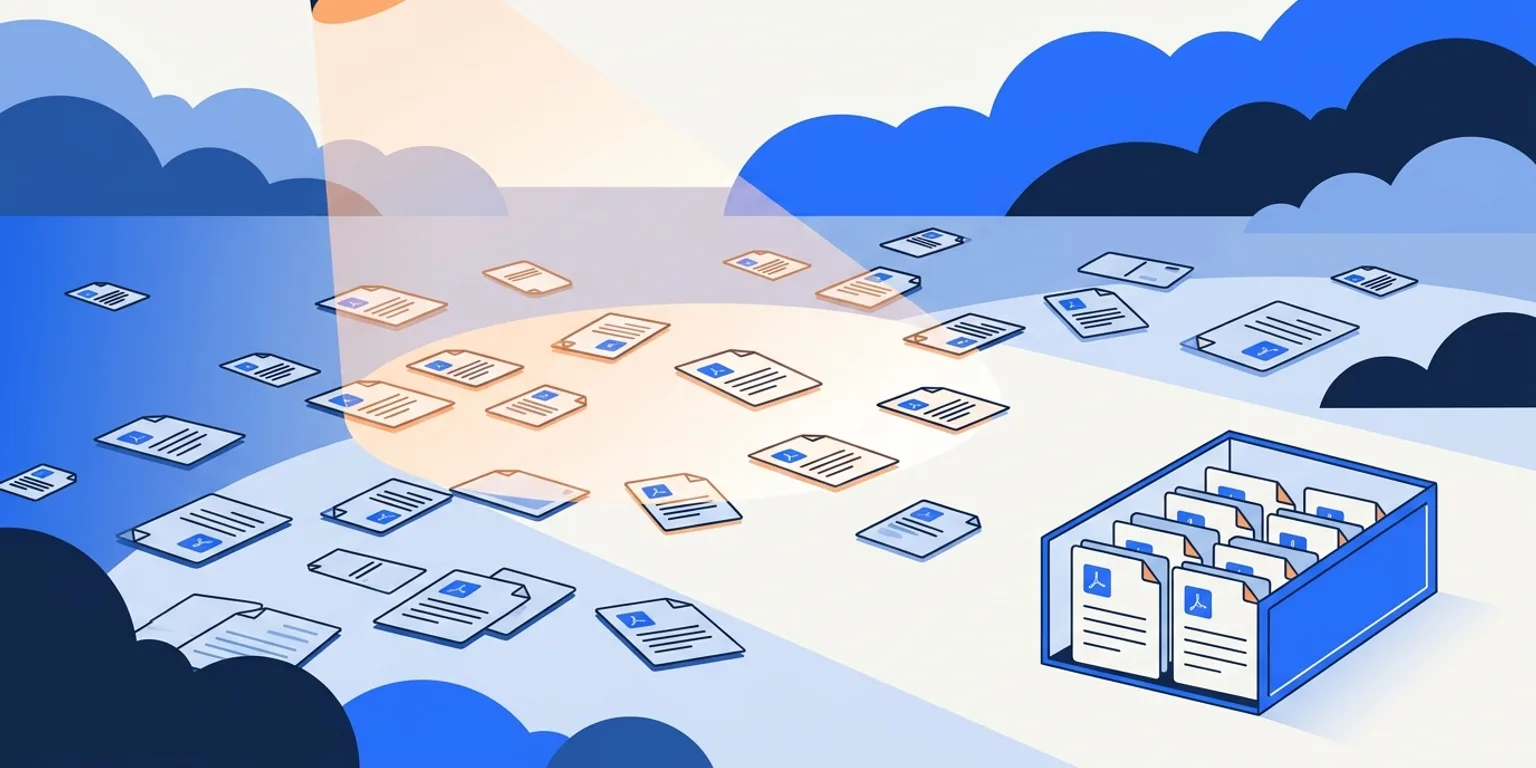
On the live site, less than most people guess — and the number is measured rather than assumed. For the 22 public entities whose crawl statistics we publish in our deadline directory (crawls of September 17–18, 2026), the crawler sampled up to 50 publicly linked PDFs per site — 944 in all — and checked each one it could open for a text layer. The image-only share ran from 0% to 19% per entity, with a median of about 4%; the three counties in the set were highest, at 10–13%, and ten of the 22 sites had no scan in their sample at all. That figure describes what a site links to today, not what sits in a records archive: anything published before an office went digital-first exists only as an image of paper, and a deep archive of minutes, ordinances and correspondence can look nothing like the live site's 4%. Your own number is knowable rather than guessable: a document scan of your site separates image-only files from born-digital ones.
What should you do with a scanned backlog?
Triage before you OCR anything. A large share of a scan archive may be legitimately covered by the Title II archived-content exception — kept only for reference or recordkeeping, in a dedicated archive area — or simply due for retirement (ADA.gov fact sheet(opens in new tab)). What remains is the material people currently use, and that is where OCR-plus-review budget belongs.
DocoMatic's pipeline treats OCR as a step that must earn trust: image-only pages are detected during discovery, OCR runs as a priced add-on (two credits per page), and low-confidence recognition is flagged for human review instead of being published as if it were true. Where accuracy cannot be rescued, the honest options are re-typing, re-creating from the original source file, or deciding the document's future is the archive, with remediation on request.
OCR is a fine tool and a terrible witness. Use it where it is strong, check it where it is weak, and never let it testify unsupervised.
This article is not legal advice. For your organization's compliance obligations, consult your counsel.
Topicsocrscannedpdfarchives
About the author
Rakesh Patel — CEO & Founder
Rakesh Patel is the founder and CEO of DocoMatic and the founder of Space-O Technologies (2010), the engineering company behind it. He brings 32 years of leadership experience in business strategy, operations and IT, and has overseen the delivery of more than 3,000 software projects. DocoMatic applies that delivery experience to one specific problem: making public documents accessible, verifiably.