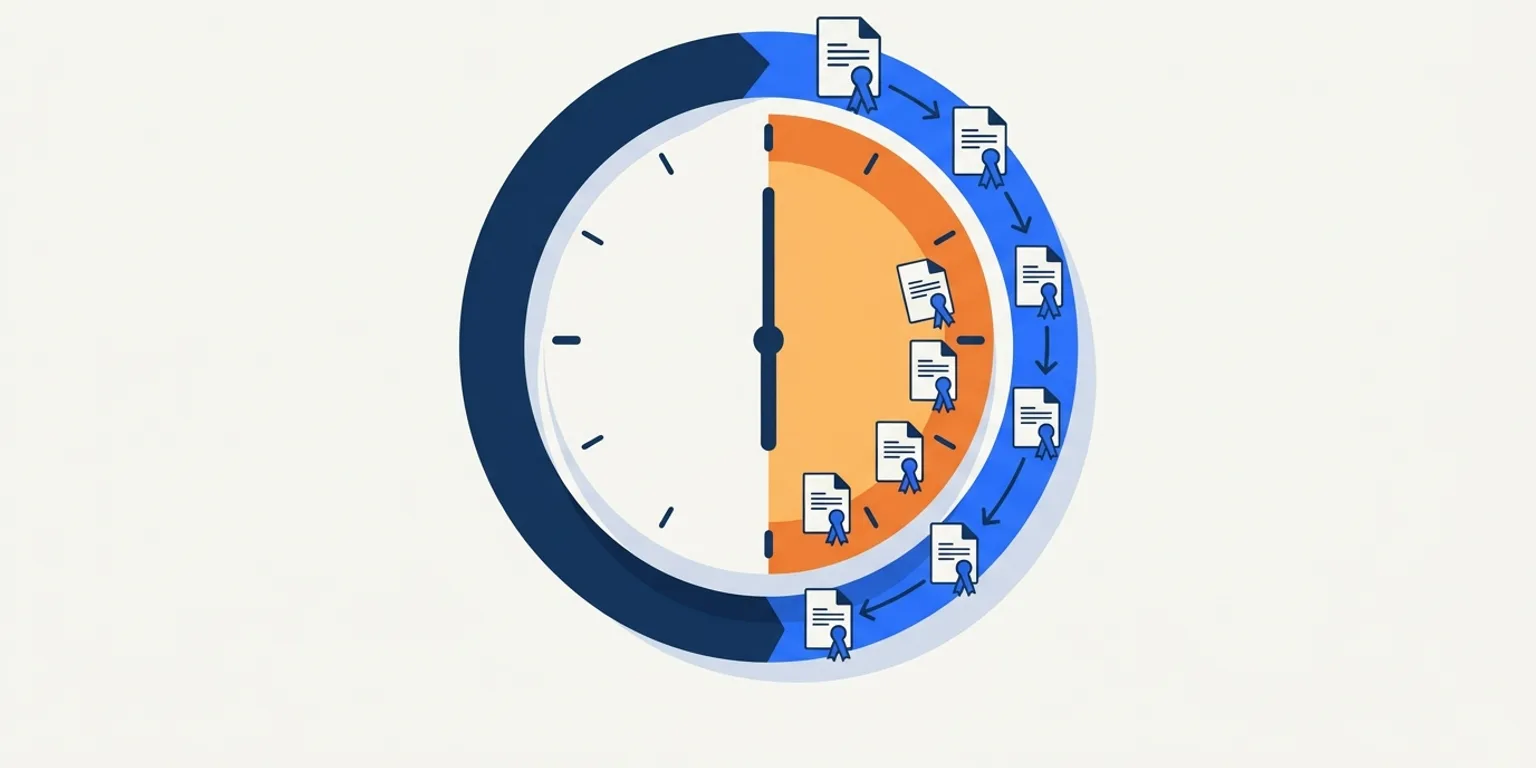
Talk to a city clerk about document accessibility and you will hear the same objection: there is no room in the week. The agenda has a statutory posting deadline, the packet arrives late, and the meeting happens whether the PDF is tagged or not. Fair. So here is a workflow that fits the week that actually exists — about 30 minutes, in the same order clerks already work.
Why does agenda accessibility have to fit inside 30 minutes?
Because the posting clock is set by law, not by your remediation queue. Under California's Brown Act, for example, a regular meeting agenda must be posted at least 72 hours before the meeting (Cal. Gov. Code § 54954.2(opens in new tab)). Other states run similar clocks. Any accessibility step that cannot live inside that window will be skipped under pressure — so the workflow has to be short, and it has to be the same every week.
The good news: almost all of the accessibility work in an agenda packet is determined before the deadline week, by the templates and habits below. The weekly cost is small once the setup is right.
What does the weekly workflow look like?
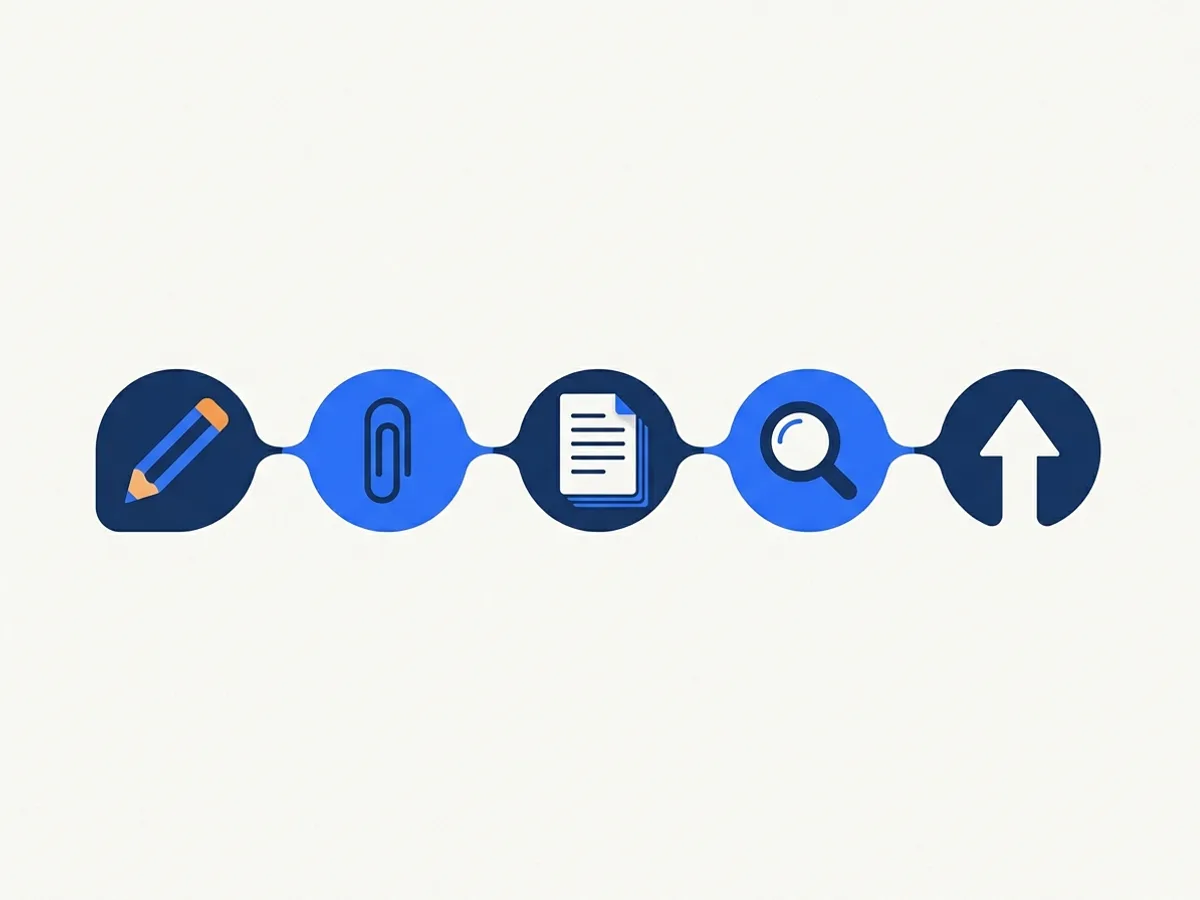
Five steps, in the order the packet already comes together. The minutes below assume the one-time setup (an accessible template, styles enforced) is done.
| Minutes | Step | What you do |
|---|---|---|
| 0–5 | Draft the agenda | Write in the accessible agenda template. Use the built-in heading styles for item numbers — never bold text pretending to be a heading. |
| 5–15 | Collect attachments | Ask for staff reports and exhibits in their source format (Word, Excel), not print-to-PDF. Flag anything that arrives as a scan. |
| 15–20 | Assemble the packet | Combine with a tool that preserves tags. Merging by "print to PDF" destroys the structure everyone upstream just preserved. |
| 20–25 | Run the check | Run an automated accessibility check on the assembled packet. Fix the loud failures: missing title, missing language, untagged pages. |
| 25–30 | Post and file | Post within the statutory window. Keep the source files — future-you will need them for corrections and minutes. |
Notice what is not in the table: no manual tagging, no remediation of individual pages. If the inputs are born accessible, assembly and checking are the whole weekly job.
What one-time setup makes the 30 minutes possible?
Two afternoons of work, roughly. First, the template: build (or adopt) an agenda and minutes template with real heading styles, a set document language and title, and list styles for agenda items — then protect it, so nobody "improves" it back into bold-text headings. Second, the submission instructions: a standing line in your packet-request email asking departments for source files rather than PDFs, with a due date one day earlier than you actually need.
The template is the highest-leverage accessibility work in the whole building. Every document generated from a correct template is born with its structure in place; every document generated from a broken one becomes remediation work downstream. Fix it once and the weekly workflow above stops being a discipline and starts being the path of least resistance.
What about attachments you can't fix in time?
Post on time — the statutory deadline is not optional — and route the failing attachment for remediation immediately rather than never. The usual offender is a scanned exhibit or a landscape spreadsheet that arrived two hours before the deadline. Flag it in your check step, publish the packet, and have a standing path that fixes and replaces the file within days, not months.
The durable fix is upstream: a one-line request in your packet-submission instructions asking departments for source files eliminates most of these surprises within a few cycles.
What about the backlog of old agendas and minutes?
Do not let the backlog hijack the weekly routine — they are different problems. Recent minutes and anything cited in current business need remediation; genuinely reference-only material may qualify for the archived-content exception if it is kept in a dedicated archive area and meets the rule's other conditions (ADA.gov fact sheet(opens in new tab)). Triage once, in writing, and keep an on-request remediation commitment as the safety valve.
Where does DocoMatic fit?
DocoMatic watches the paths where your agendas and minutes post, remediates new documents automatically on a turnaround that fits posting schedules, and files the verified report for each one. The 30-minute workflow above stands on its own — but steps three and four stop depending on which staff member is out sick, because the check and the fix happen on every posted file, every week, automatically.
This article is not legal advice. For your organization's compliance obligations, consult your counsel.
Topicsclerksagendasworkflowminutesbrown-act
About the author
Rakesh Patel — CEO & Founder
Rakesh Patel is the founder and CEO of DocoMatic and the founder of Space-O Technologies (2010), the engineering company behind it. He brings 32 years of leadership experience in business strategy, operations and IT, and has overseen the delivery of more than 3,000 software projects. DocoMatic applies that delivery experience to one specific problem: making public documents accessible, verifiably.